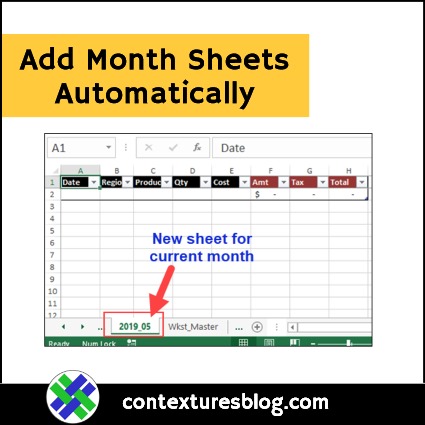
Set up a Master sheet in your Microsoft Excel workbook, and add monthly sheets automatically, based on that template. The new sheets will be named for the month and year, in yyyy_mm format.
Errors in Pivot Table Totals
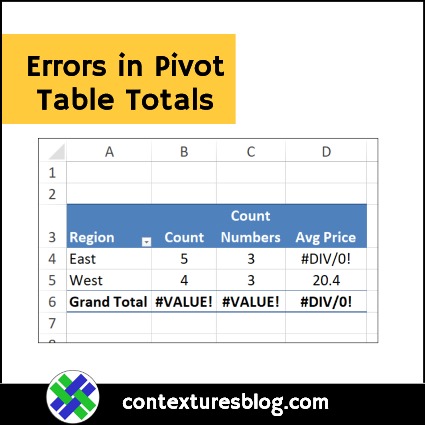
Pivot tables are a quick and easy way to summarize a table full of data, without fancy formulas. Occasionally though, things can go wrong. Today we’ll figure out why you might see errors in pivot table totals or subtotals, when all the item amounts look fine. Continue reading “Errors in Pivot Table Totals”
Preview Picture Problems in Excel
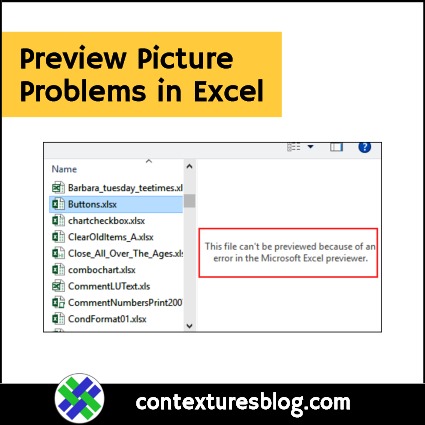
In the good old days of Excel, you could change a workbook setting, and see a preview picture of the file contents, before you opened it. That feature was available in Excel’s Open window, but has disappeared in newer versions of Excel. Here’s how to see Preview Pictures, and a warning about using them.
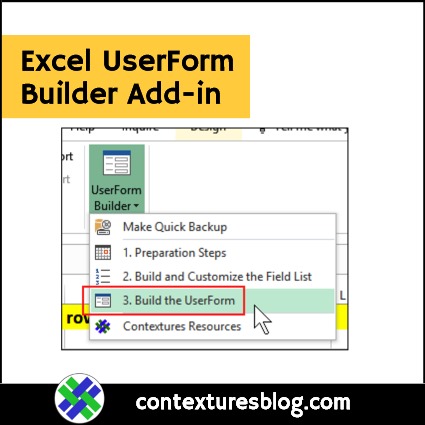
Excel UserForm Builder Add-in
If you’ve purchased a copy of my UserForms for Data Entry kit, there’s a new bonus for you — the UserForm Builder (UFB) add-in. Watch the video below, to see how it works, and download the latest version of the kit, to try it out.
Confusing Options on Excel Status Bar
The Excel Status Bar shows you messages about what’s going on, while you work. Some of those messages are optional, and you can turn them on or off. Here’s how you can customize the Excel Status Bar, and see my notes on a couple of the options that were confusing.
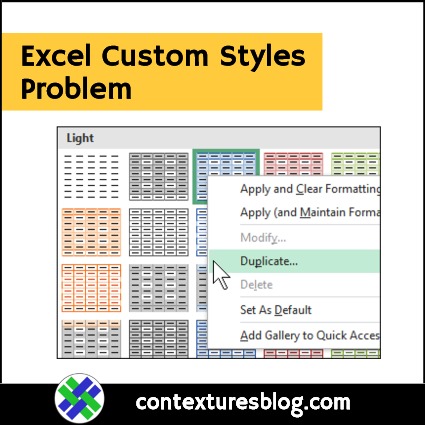
Excel Custom Styles Problem
When you create an Excel Table, or a Pivot Table, a default style is applied. You can change to a different built-in style, or create custom styles, with your own formatting. There are details below, and an Excel custom styles problem that you might run into.
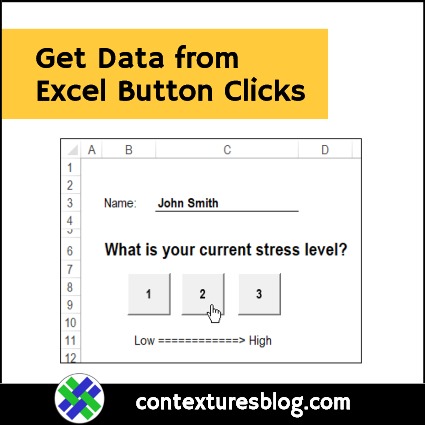
Get Data from Excel Button Clicks
Here’s a simple example that shows how you can get data from Excel button clicks. There are 3 buttons on one sheet, and if you click one, the date and time are recorded on another sheet, along with your name and the button number.
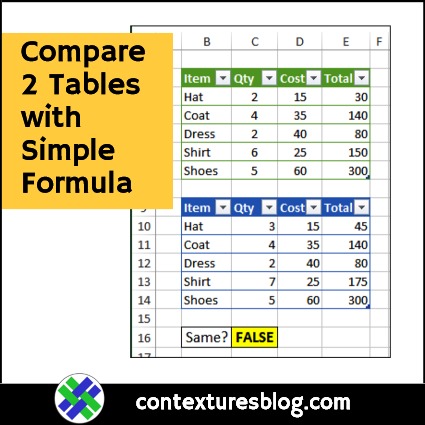
Compare Two Excel Tables with Simple Formula
Do you ever need to compare two Excel Tables? Here’s a simple formula that quickly shows if there are any differences, between tables that have the same number of columns and rows.
Continue reading “Compare Two Excel Tables with Simple Formula”
Excel Button Text from Worksheet Cell
If you have buttons or shapes on an Excel worksheet, you can get their caption text from a worksheet cell, so the text changes, based on a formula. See how to add the button, create its text, then link the button to cell text instead.
Excel Pivot Table Troubleshooting
If you have a big Excel file, with lots of pivot tables and their source data, I’ve written a macro that might help you. The macros creates a detailed list of all the pivot tables in the workbook, so it’s useful for documentation, and some types of troubleshooting.