
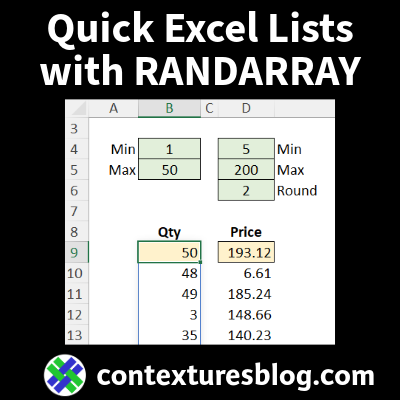
Use the Excel RANDARRAY function to make quick lists of random numbers or random text in Excel. It’s similar to the old RANDBETWEEN function, but gives you better control over the results. Continue reading “Quick Excel Lists with RANDARRAY Function – Examples”
Excel Golf Score Tracker by Player and Course
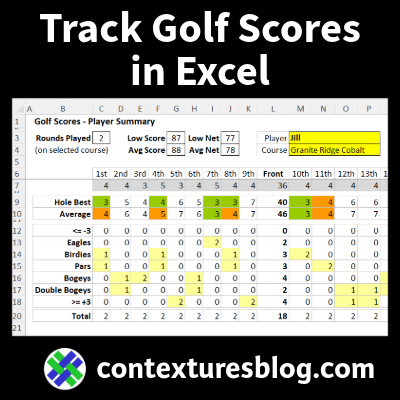
I made this Excel Golf Score Tracker for anyone who loves Excel, and golf! Set it up at the start of golf season, then record your results after every round of golf.
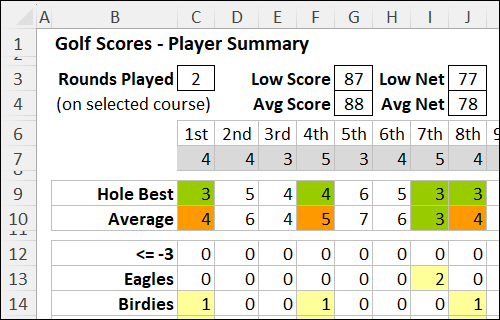
Continue reading “Excel Golf Score Tracker by Player and Course”
Build a Daily Events Calendar in Excel

Use my Excel events calendar to track meetings and events inside a workbook. Add your upcoming events to a list, set a start date, and then see those items in a 6-week calendar view.
Get Ready for an Excellent Holiday Season

Happy Thanksgiving, if you’re celebrating tomorrow! And then it’s Black Friday, so get your shopping list spreadsheet ready for that!
Continue reading “Get Ready for an Excellent Holiday Season”
25 Years of Contextures – 40 Years of Excel

Twenty-five years ago, on November 15, 2000, I registered and launched my Contextures.com website. It had a few Excel tutorials, and a small selection of sample Excel files to download.
Continue reading “25 Years of Contextures – 40 Years of Excel”
Do Your Excel Files Collapse Like Jenga Blocks?

Before we dig into Modern Excel, can you please help me out? What, exactly, is “Modern Excel”? I can’t find a standard definition on the Microsoft site, or anywhere else!
Continue reading “Do Your Excel Files Collapse Like Jenga Blocks?”
Happy 40th Birthday Excel September 30 2025

Are you taking the day off, to celebrate Microsoft Excel’s 40th birthday? Or will you have a big party with your co-workers, at the office or remotely?
And what were you doing on September 30, 1985, when the first version of Excel was released, for the Macintosh?
Continue reading “Happy 40th Birthday Excel September 30 2025”
AutoFill Weekdays in Excel: Skip Weekends

You can make quick lists with Excel’s AutoFill feature. In the short video below, I show two tricks for making weekday lists – only the Monday to Friday dates, with no weekend dates included.
Continue reading “AutoFill Weekdays in Excel: Skip Weekends”
How to Get Started With Excel FILTER Function

In the video below, I show how to get started with the Excel FILTER function, which is available in Office 365.
You can enter a formula in one cell, and the results spill down onto the worksheet, to show all the results. And unlike other filters in Excel, the FILTER result list will update automatically, if you change the criteria.
Continue reading “How to Get Started With Excel FILTER Function”
Compare List of Numbers With Excel RANK Function

Which student got the top score? If you have test results, or another list of numbers in Excel, you could sort them to see which scores are at the top. But if you want to leave the list in alphabetical order, you can use the RANK function to show the rank for each score.
Continue reading “Compare List of Numbers With Excel RANK Function”