
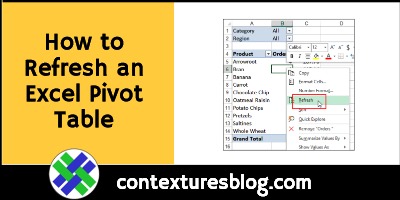
If you change any of the information in a pivot table’s source data, the pivot table won’t immediately show your latest changes. You have to refresh a pivot table, automatically or manually, to see the latest data. Continue reading “How to Refresh an Excel Pivot Table”
Excel Custom Function UDF Causing Problems

Excel macros ran really slowly in a workbook that someone sent to me. They said it was an Excel custom function (UDF) causing problems. The UDF ran for no apparent reason, and slowed other macros down. Here’s what I did to make things a bit faster.
Continue reading “Excel Custom Function UDF Causing Problems”
Excel at Your New Year Resolutions

Happy New Year’s Eve! If you’re setting goals for 2020, get these three free Excel templates to help you “Excel” at your New Year resolutions. There’s a weight loss tracker, a calorie counter, and a weekly meal planner.
Count Duplicate Number Sets in Excel
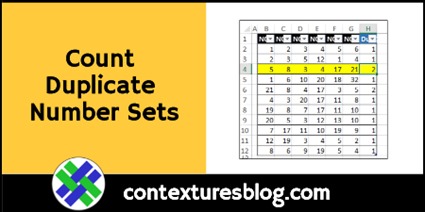
Recently, someone asked me how to count duplicate number sets. There were hundreds of rows, with 6 numbers in each row. Did any of the number sets appear in the list more than once? How would you solve this problem, and count duplicate number sets?
Change Excel Shape Colour Automatically
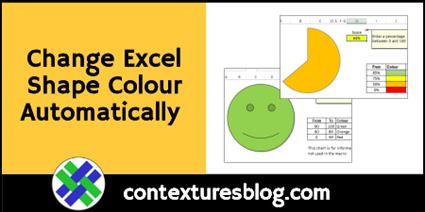
We all want to be remembered for our contributions to humanity. That’s why, way back in 2004, I made an Excel Smiley Face sample (aka “Happy Face”). There was a new version in 2009, and here’s another update, to change the Smiley Face shape colour automatically. You can do the same thing with other shapes too, like partial circle “pie slice”. Is there a Nobel Prize in this category?
Excel Printing Tips Videos
Someone asked me for help with an Excel printing question recently – how to make the columns all fit on one printed page. Most of us don’t print our Excel sheets too often, so it’s easy to forget those Excel printing tips! Videos and tips below show a few things you can do to make Excel printing easier.
Compare Annual Data in Excel Pivot Chart
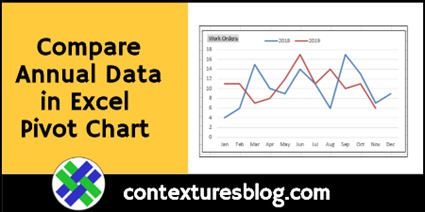
If you have a couple of years of daily data in Excel, you can use a pivot chart to quickly compare that data, month by month, year over year. This short video shows how to compare annual data in Excel pivot chart.
Show Loan Payments in Excel with PMT and IPMT
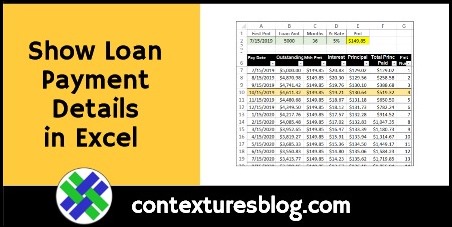
With the PMT function, you can enter a few numbers, and calculate the monthly payments for a loan amount. But when is each payment due, and how much goes to interest and principal? This PMT and IPMT functions example shows how to calculate that too.
Continue reading “Show Loan Payments in Excel with PMT and IPMT”
Excel Conditional Formatting for Weather Data
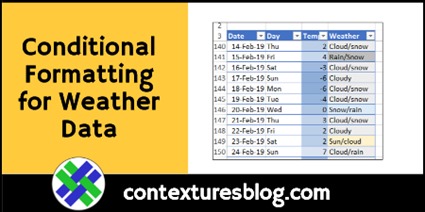
At work, we use Excel for serious projects, like financial reports or marketing forecasts. Excel is useful at home too, for personal tasks. I keep daily notes, and I added conditional formatting for weather data, to make the columns easier to read.
Continue reading “Excel Conditional Formatting for Weather Data”
Happy Spreadsheet Day 2019
Happy Spreadsheet Day 2019! What will you be doing to celebrate today? There’s a special Microsoft event at 12 noon Eastern Time, so catch that if you can (details below).