How to Sum Filtered Excel Data – AGGREGATE or SUBTOTAL

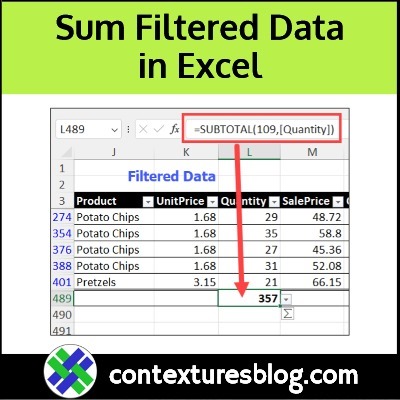
When an Excel list is filtered, how can you show a total sum or count for numbers in the visible rows only? There are two Excel functions for that task — SUBTOTAL (all Excel versions) and AGGREGATE (Excel 2010 and later). See how these functions work, and decide which one to use.

Continue reading “How to Sum Filtered Excel Data – AGGREGATE or SUBTOTAL”

Video: Dependent Combo Boxes – Excel Data Entry

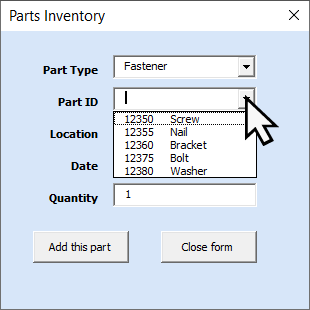
Make it easy to enter valid data in an Excel workbook. Choose “Fastener” in one combo box drop down. The next combo box shows a list of fastener parts, with part ID and part name.

This video shows how to use this simple data entry tool, and you’ll get a peek behind the scenes, on how it works.

Continue reading “Video: Dependent Combo Boxes – Excel Data Entry”

How to Prevent Duplicate Entries in Excel Column

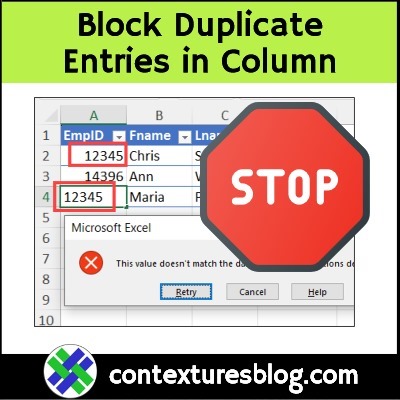
In some workbooks, you might need to block duplicate entries in a column. For example, we don’t want 2 employees to have the same ID number. See how to set up a custom rule for that, with data validation. And keep reading, to see why COUNTIF can cause problems for you.

Continue reading “How to Prevent Duplicate Entries in Excel Column”

Quickly Move Sheet in Large Excel File

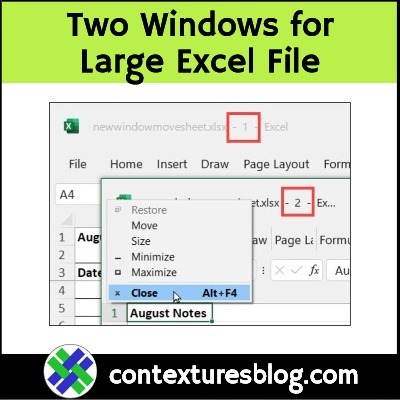
Do you ever find yourself scrolling through an endless number of worksheet tabs, while you’re working in a large Excel file? It’s happened to me, more times than I can count, while working in my own files, or client workbooks. Here’s a quick tip that might help you save some time!

Continue reading “Quickly Move Sheet in Large Excel File”

Excel Footer Font Fix and Custom Footer Macro

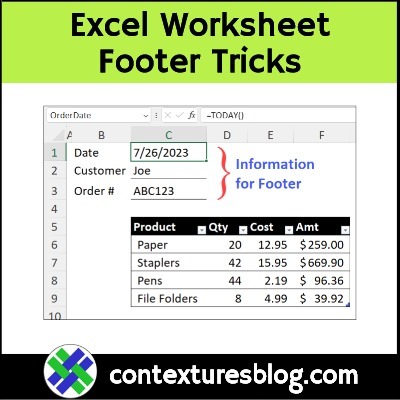
When you’re printing financial reports in Excel, do you set them up to print one page wide? That feature saves paper, but it can make the header and footer text too small to read, especially if it’s in a small font size already. Here’s how you can avoid that problem. And there’s a macro to create a custom worksheet footer too!

Continue reading “Excel Footer Font Fix and Custom Footer Macro”

How to Compare Two Lists in Excel-New Items

Do you ever need to compare two lists in Excel, and see if there are some items in one list, that aren’t in the other list? The video below shows how to check for new items, and only add those to your existing list. You don’t want to have a list that’s full of duplicates entries!

Continue reading “How to Compare Two Lists in Excel-New Items”