
It’s almost the end of June, and there’s a long weekend coming up! To celebrate, let’s take a look at some of the spreadsheet news from the past month. Here are 3 stories that caught my eye, and let me know if there was other noteworthy news that I missed!
Author: Debra Dalgleish
How to Compare Two Lists in Excel-New Items
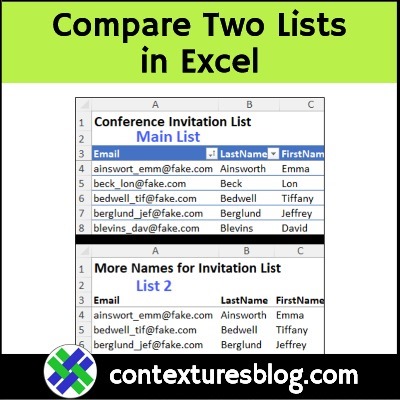
Do you ever need to compare two lists in Excel, and see if there are some items in one list, that aren’t in the other list? The video below shows how to check for new items, and only add those to your existing list. You don’t want to have a list that’s full of duplicates entries!
Continue reading “How to Compare Two Lists in Excel-New Items”
Excel Formula Troubleshooting Tips and Tools
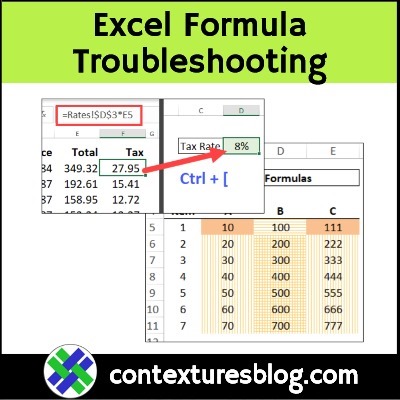
What’s your favourite way to troubleshoot Excel formulas? Here are a few tips for current versions of Excel, and a preview of new features that are coming soon, for Excel 365.
Continue reading “Excel Formula Troubleshooting Tips and Tools”
Excel Find and Replace with Wildcard
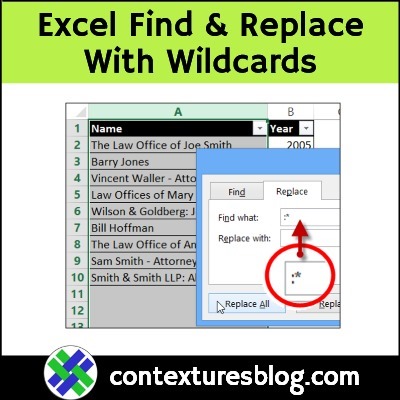
With the Find and Replace feature in Excel, you can look for specific characters, and replace them with different characters, or replace them with nothing. You can also use wildcard characters in the Find What box, to make the find feature more flexible. The short video below shows you the steps.
Excel Template Guess the Word Game Cards
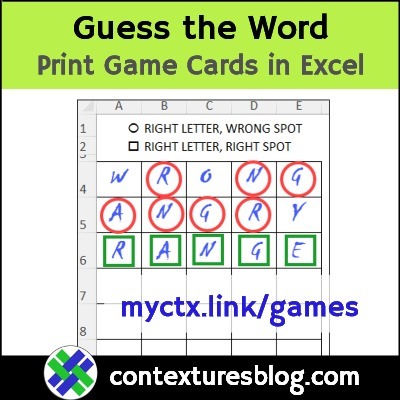
Since you’re reading this blog, you probably love spreadsheets. And do you love word games too? If you do, keep reading for a couple of ways to have fun with words in Excel!
Create Excel Monthly Calendar From 6 Formula Cells
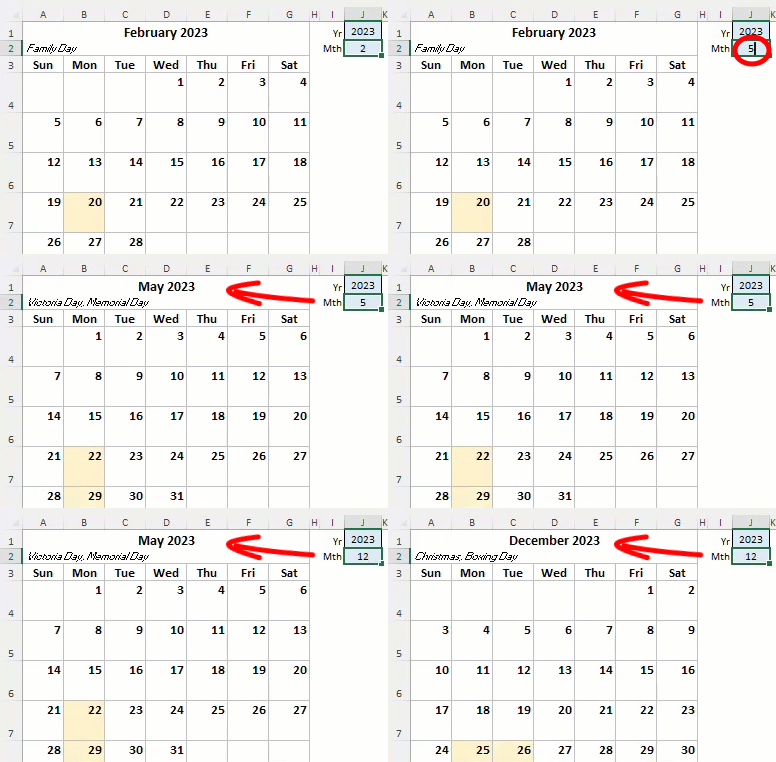
Create a monthly Excel calendar, based on a few short formulas. Next, add formatting and a heading, and if you’re feeling fancy, show a list of the month’s holidays too! This example uses functions that are available in Excel 365, and in Excel for the Web.
Continue reading “Create Excel Monthly Calendar From 6 Formula Cells”
Unpivot Excel Data with Power Query Step by Step Video
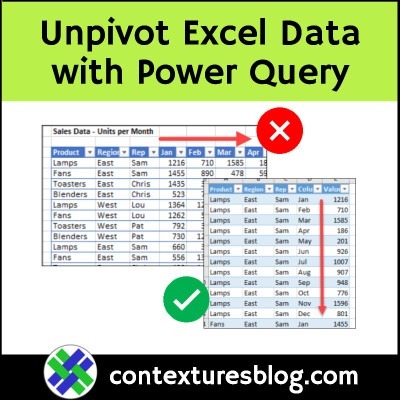
This step-by-step video shows how to unpivot data in Excel, using Power Query. This creates better source data that you can use to build flexible pivot tables. And it doesn’t change your original data – you can leave that as is!
Continue reading “Unpivot Excel Data with Power Query Step by Step Video”
Happy Excel Day 45000

Where does the time go? Only 556 days ago, we were celebrating Excel Day 44444, and suddenly it’s Excel Day 45000! And we’re still cleaning up from yesterday’s Pi Day Party! Who says numbers are boring?
Turn Off Grey Watermark Page 1 on Excel Worksheet
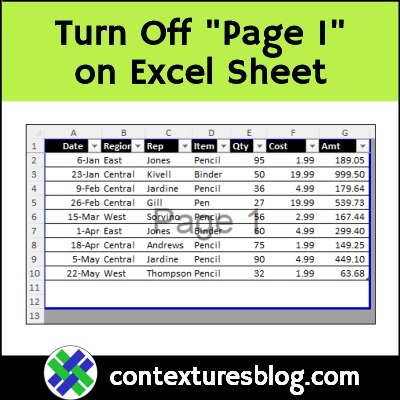
Since the beginning of (Excel) time, people have asked questions about the big grey “Page 1” that sometimes appears on a worksheet. How did it get there? Is it a watermark? How do I get rid of it? Will it show up on printed copies? My short video, below, answers those questions for you!
Continue reading “Turn Off Grey Watermark Page 1 on Excel Worksheet”
Calculate Ratio with Excel Formula – 3 Steps
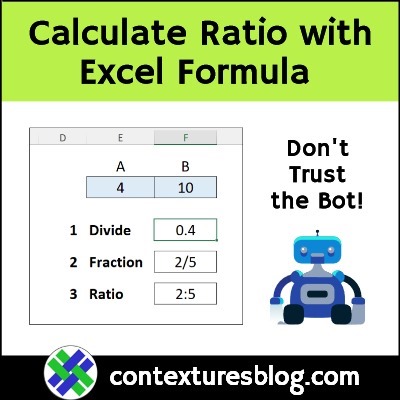
Do you ever use Excel to calculate a ratio? In business, you could compare income to expenses, and at home, you could use ratios to bake a cake, without a recipe. In my latest video, I show a quick Excel formula for the ratio between two numbers, in x:y format. And no, Excel doesn’t have a RATIO function, even though one overly-confident AI helper tool said it does!
Continue reading “Calculate Ratio with Excel Formula – 3 Steps”