
One of my Excel sample files has a data entry sheet, with buttons to add/update database records that are stored on a different sheet. I’ve just added a new version of the file, that helps you remember to save your changes.
Author: Debra Dalgleish
Excel Advent Calendar No Macros
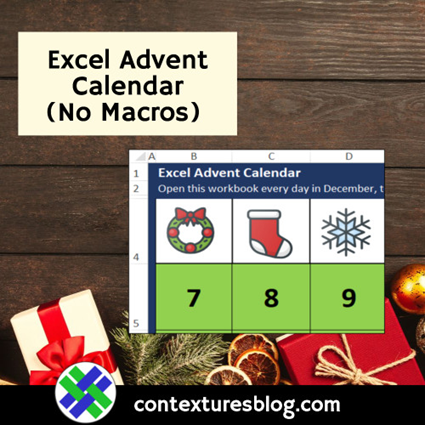
December is only 2 days away, so it’s time for an Excel Advent Calendar! I’ve made two new versions this year, and they don’t use macros, just basic Excel features. Even if you don’t need an Advent calendar, take a look to see how they’re set up . You might find a use for these techniques in other projects.
Excel Holiday Planner 2018

Happy Thanksgiving, if you’re celebrating tomorrow! Here in Canada, we have Thanksgiving in early October, when we’re less likely to have weather-related travel problems. This will be a short post, with a links to a couple of Excel holiday planner tools.
Excel VLOOKUP to the Left

To use VLOOKUP, the value you’re looking for has to be in the first column of the lookup range. But what if your lookup table has Scores in column 3, and you need a description from column 2? Here’s how you can do an Excel VLOOKUP to the left. Continue reading “Excel VLOOKUP to the Left”
How to Close All Excel Files
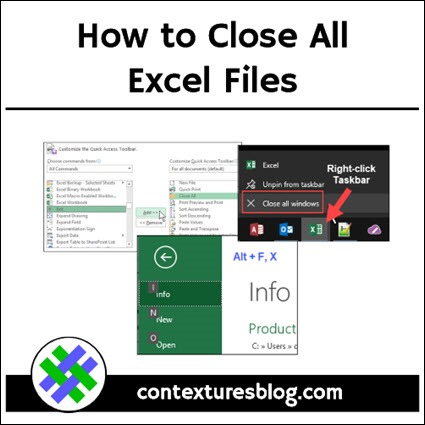
In Excel 2013 and later versions, each file opens in a separate window. Unlike earlier single-window versions, there is no Exit button or command, to close all the files, without clicking each window individually.
Excel Halloween Tricks
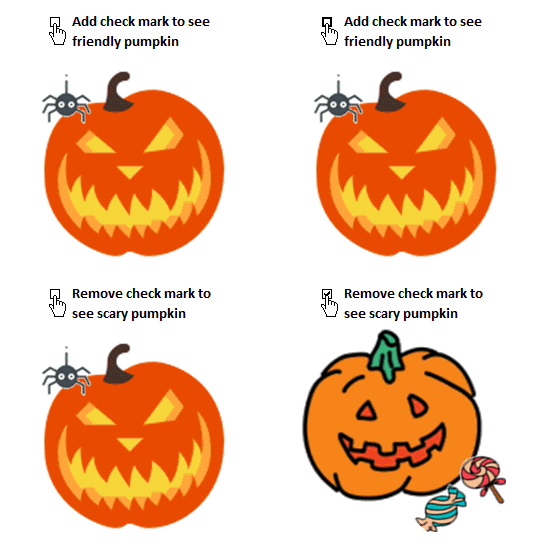
Happy Halloween! Some people think that Excel is a bit scary, so I made an interactive workbook that lets you show the friendly side of Excel. Download my sample workbook, to see all the Excel Halloween tricks, and share it with your spreadsheet-fearing friends too! Continue reading “Excel Halloween Tricks”
Excel Roundup 20181025
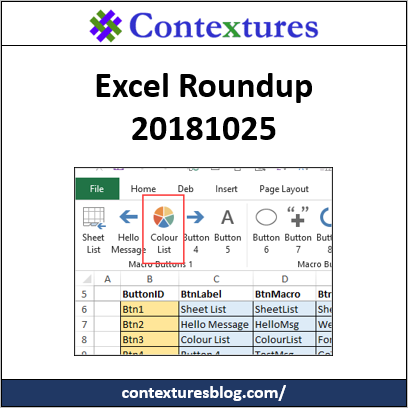
We’re well into autumn, here in Canada, so it’s time for another Excel roundup. To get Excel links and articles every week, sign up for my weekly Excel newsletter.
Happy Spreadsheet Day 2018
Happy Spreadsheet Day 2018! It seems like we just took down the decorations from last year’s party, and here it is again, our favourite celebration of the year.
Missing Data Validation Arrows
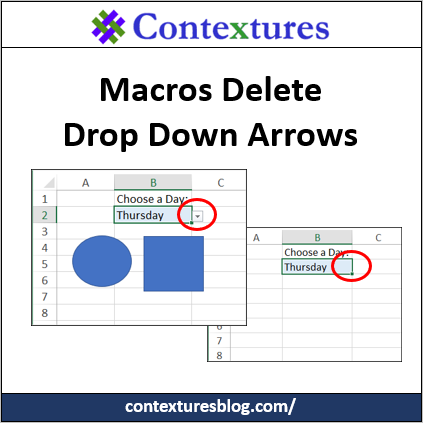
To make data entry easier, you can create drop down lists in a worksheet, using Excel’s data validation. Usually, those lists are trouble free, but sometimes the arrows disappear, for no apparent reason. See some of the reasons for that behaviour, and how to fix or avoid the problems.
Put Your Excel Macros on This Custom Tab
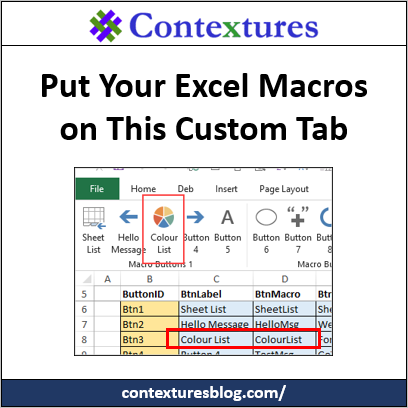
Instead of struggling to build your own custom tab for the Excel Ribbon, download my sample file. It has a pre-built tab, and you can put your Excel macros on this custom tab, by making simple changes on a worksheet.