
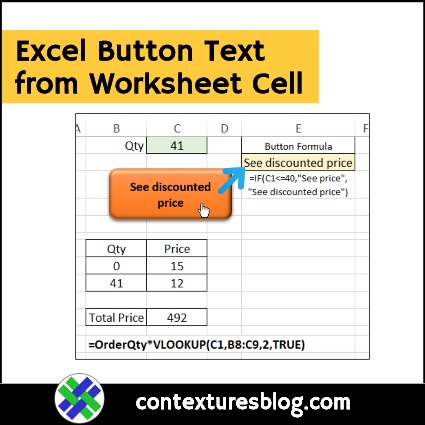
If you have buttons or shapes on an Excel worksheet, you can get their caption text from a worksheet cell, so the text changes, based on a formula. See how to add the button, create its text, then link the button to cell text instead.
Author: Debra Dalgleish
Excel Pivot Table Troubleshooting
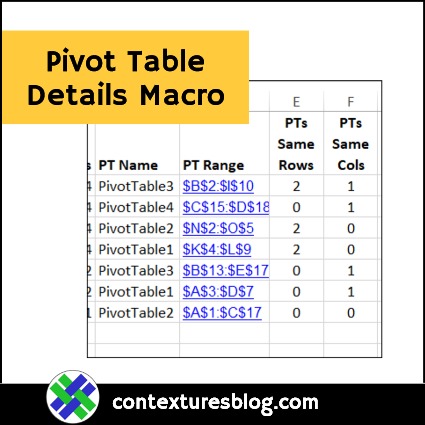
If you have a big Excel file, with lots of pivot tables and their source data, I’ve written a macro that might help you. The macros creates a detailed list of all the pivot tables in the workbook, so it’s useful for documentation, and some types of troubleshooting.
Show Your Own Excel Error Values
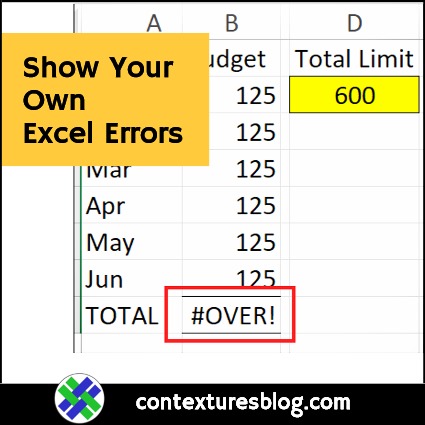
In a perfect world, nobody would ever make a mistake in Excel. Every formula would be flawless, and every bit of data would be valid. Unfortunately, that’s not the case. When mistakes happen, there are built-in errors, like #N/A, but why not create your own Excel formula error values, and show those too?
How to Make an Order Form in Excel
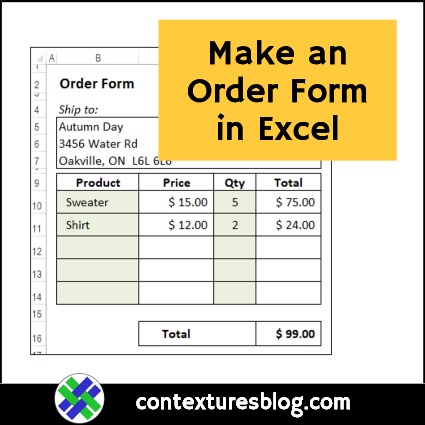
When you first start to use Excel, you probably work with files that somebody else set up. Eventually, you’re ready to build a workbook of your own, and this video shows how to make an order form in Excel, starting from a blank workbook.
Drop Down from Filtered Excel List
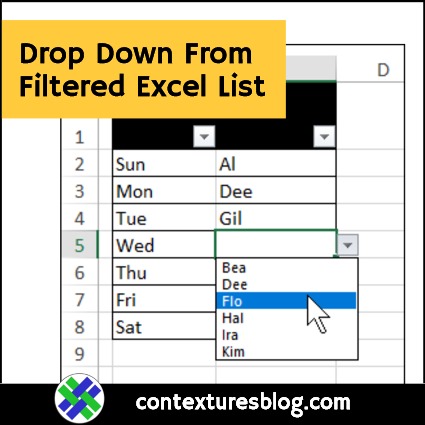
Someone asked me how to make a data validation drop down that only shows the visible rows from a filtered list. I created a sample file that shows how you can do that, and here are the details on setting up a drop down from filtered Excel list.
Add Data to Excel Table with Total Row
With a formatted Excel table, you can turn the Total Row on or off easily, and it shows at the bottom of the table. Someone asked me how to add data to Excel Table with Total Row showing – they were hiding the totals every time they wanted to add data. You don’t need to do that!
Highlight Top or Bottom Values in Excel List
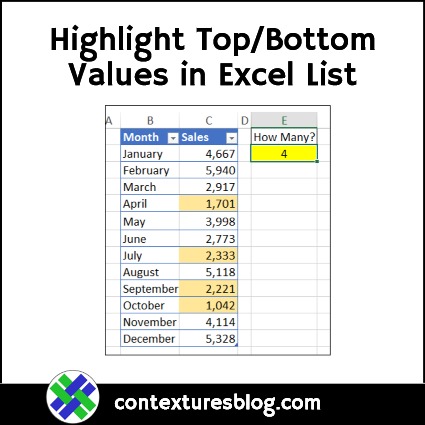
With Excel’s conditional formatting options, you can highlight cells based on their values, or add colour scales, icons and data bars to the cells. There are built-in rules to highlight top or bottom values, and you can also create your own rules, as shown below.
Continue reading “Highlight Top or Bottom Values in Excel List”
Pivot Chart Title from Filter Selection
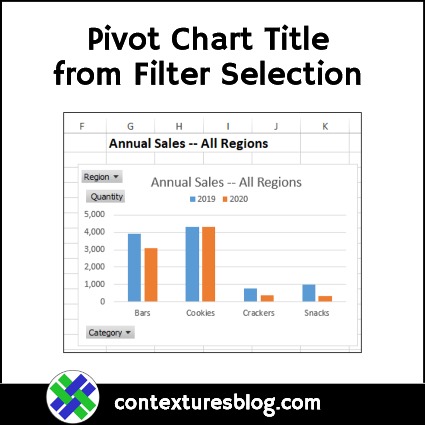
Instead of adding a static title to your Pivot Chart, use a worksheet formula to create a dynamic chart title. Then, when you make a selection in the Report Filter, the chart title will change too. The video below shows the step-by-step instructions.
Excel Trackers for New Year Resolutions
Did you make any New Year resolutions that involve eating better, or getting in shape? If so, there are a few free trackers on my Contextures website, to give you some Excel help in reaching your goals.
Allow Weekend Dates Only in Excel
With Excel Data Validation, you can add rules to a data entry sheet, and control what people put in the cells. In today’s example, we’ll set up a cell that only allows you to enter a weekend date. Just remember that Data Validation isn’t foolproof, and people can find ways around your rules.