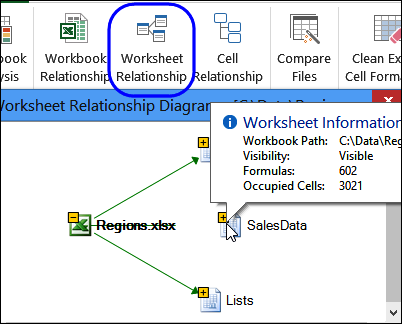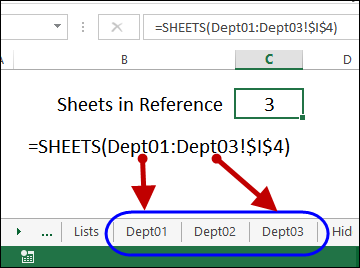
I’ve been experimenting with the new SHEET and SHEETS functions in Excel 2013, to see how they could be used.
- The SHEETS function counts all the sheets in a reference
- The SHEET function returns the sheet number for a reference
Excel tips and tutorials

I’ve been experimenting with the new SHEET and SHEETS functions in Excel 2013, to see how they could be used.
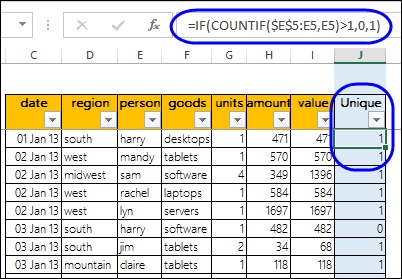
A pivot table can sum and count and average, and do several other functions. However, a normal Excel pivot table doesn’t have a built-in Unique Count (Distinct Count) function.
Fortunately, this page shows 4 different ways that you can get a unique count in a pivot table – for any version of Excel pivot tables.
This month, TechNet posted a video that demonstrates the spreadsheet management features that are available in Office 2013. This includes Inquire, and Spreadsheet Compare.
Happy Thursday! I’ve got two news items today, and you can read the details below.
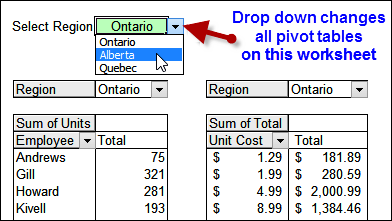
Continue reading “Change Pivot Table Filters With Drop Down Cell”
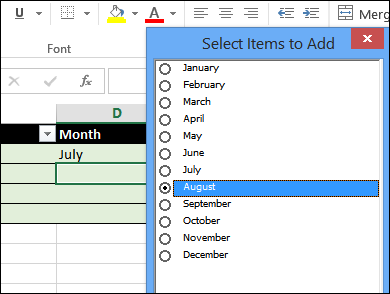
In February, I shared a sample file that shows a popup list box, when you click on a cell that has a data validation list. The list box shows all the items from the source list, with check boxes, so you can select multiple items.
The Tech Republic blog takes a look at 5 free Excel add-ins, that you can download from the Microsoft Store website. It looks like they only work with Excel 2013 – have you upgraded to that version yet?
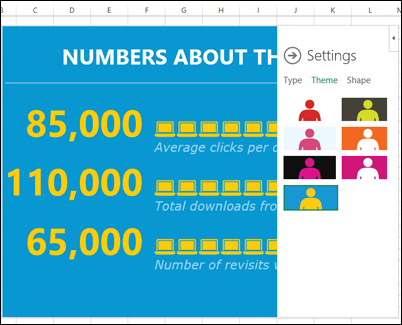
One of the add-ins is People Graph, from Microsoft, and it lets you infographic-style charts, with eye-hurting colours, and a variety of shapes. Do you agree with the author’s description of this add-in?
“Rather than displaying standard bar charts, People Graph displays icons that better convey business data that’s related to people (such as the number of people who purchase a product).”
Here’s what I posted last week:
Here are a few of the Excel articles that I read last week, that you might find useful:
Here are some upcoming events, courses and new books, related to Excel.
Business Intelligence Tools for Excel Analysts, by Michael Alexander, Jared Decker, Bernard Wehbe
384 pages, published May 5, 2014
“For the first time, Excel is an integral part of the Microsoft BI stack – capable of integrating multiple data sources, defining relationships between data sources, processing analysis services cubes, and developing interactive dashboards that can be shared on the web. With these new tools, it’s becoming important for Excel analysts to expand their knowledge to include new skills, like database management, query design, data integration, multidimensional reporting, and a host of other practices.”
Excel Data Analysis for Dummies, by Stephen L. Nelson, E. C. Nelson
360 pages, published May 5, 2014
“If you’re like most people, you probably don’t take full advantage of Excel’s data analysis tools. This friendly guide walks you through the features of Excel to help you discover the insights in your rough data. From input, to analysis, to visualization, this book shows you how to use Excel to uncover what’s hidden within the numbers.”
If you read or wrote any other interesting Excel articles recently, that you’d like to share, please add a comment below, or send me an email.
Please include a brief description, and a link to the article.
__________________________________
On my website, there are hundreds of Excel sample files that you can download and use. Some of the files contain macros, and you might need to adjust those macros, to use them in your own files.
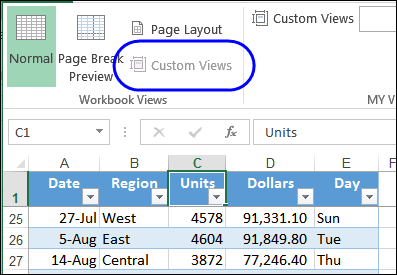
To save time when printing reports, you can save filter and print setting in Custom Views. Unless, of course, your workbook contains a Named Excel table – you can’t use Custom Views in those files.
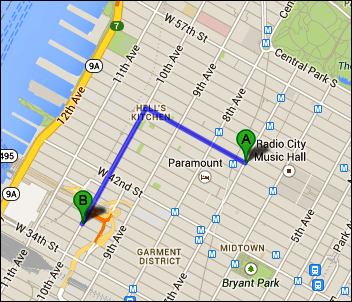
Do you ever use Google Maps to estimate your travel time? I use it for road trips, and it seems fairly accurate – except at rush hour!
Jeff, from the Jeffrey Fan blog, lives in downtown New York City, and walks to work. He wasn’t satisfied with the accuracy of the walking times that Google estimated, so he built his own estimator in Excel.
You can download Jeff’s sample file, to see how it works.
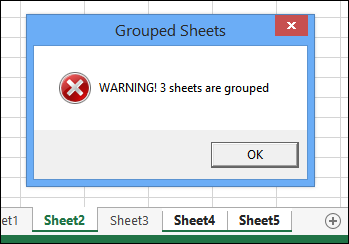
If you select more than one sheet in a workbook, and start typing or formatting, that data or formatting will be entered in all the selected sheets, not just the active sheet.