Excel Workbook for Golf Tee Off Times Update

Whether you’re scheduling players for a golf tournament, or assigning employees for daily shifts, Excel can make the job easier. There’s a Golf Tee Off Times example on my site, and you could adapt it for building other types of schedules. This week, I uploaded a second version of the file – it gives you more flexibility in assigning people to specific times.

Continue reading “Excel Workbook for Golf Tee Off Times Update”
Hide Used Items in Drop Down List With Excel 365 Formula

In some data entry lists, you only want each item selected once. For example, pick players for a baseball lineup, or assign employees for their weekly on-call assignment. To prevent entries from being selected twice, use this data validation trick, to hide the used items in an Excel drop down list.

Continue reading “Hide Used Items in Drop Down List With Excel 365 Formula”

Excel Queries & Connections Pane Stuck at Top of Screen

Ken Puls and Miguel Escobar just released their new Power Query book – Master Your Data with Excel and Power BI. I bought a digital copy, downloaded the sample files, and eagerly dove  into the book. Then I remembered the problem I’ve had for a few months – the Excel Queries & Connections pane is stuck at the top of my second monitor. Here’s how I finally fixed it.

Continue reading “Excel Queries & Connections Pane Stuck at Top of Screen”

Find MAX and MIN With Criteria in Excel Formulas

To find the highest and lowest amounts in Excel, use the MAX and MIN function. If you need to use criteria in your calculations, add the IF function to your formula, in older versions of Excel. In Excel 2019 and Excel 365, use the newer MAXIFS and MINIFS functions. You can even get the answer without formulas – use a pivot table instead!

Continue reading “Find MAX and MIN With Criteria in Excel Formulas”

Excel Roundup 2021-06-24

Happy Summer! Or, if you’re south of the equator, Happy Winter! To help you get the new season off to a good start, here’s a roundup of Excel articles and links. I hope you find a few interesting things to read, and new Excel features to try.

NOTE: To get Excel links and articles every other week, sign up for my bi-weekly Excel newsletter.

Continue reading “Excel Roundup 2021-06-24”

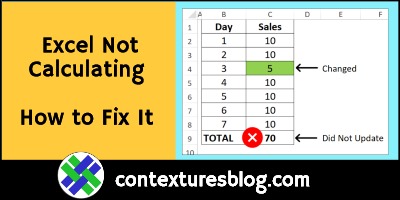
Excel Workbook Formulas Not Calculating: How to Fix Them

Your Excel file worked perfectly yesterday, but when you entered new data today, the totals didn’t update. Why did the formulas suddenly stop calculating, and how can you fix them? Here’s the most common reason for that problem, and a quick way to fix it. Also, see how to avoid that problem in the future.

Continue reading “Excel Workbook Formulas Not Calculating: How to Fix Them”

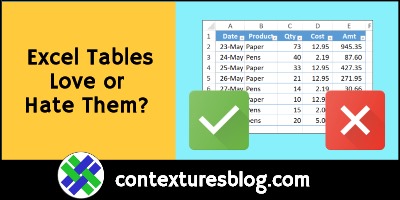
Excel Formatted Named Tables: Love Them or Hate Them?

Do you love the formatted, named tables in Excel, and use them as much as possible? Or, do you hate tables, and avoid them at any cost? Here are some of the great things about Excel tables, and a few reasons to think twice about using them in your Excel files.

Continue reading “Excel Formatted Named Tables: Love Them or Hate Them?”

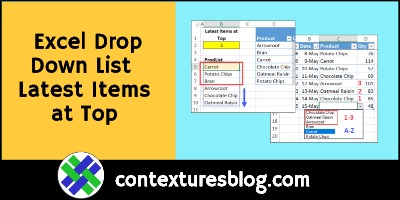
Excel Drop Down List with Latest Items at Top

In this data validation drop down list, the most recently ordered products are at the top. The rest of the product names are below those, in alphabetical order. There’s a worksheet cell where you can set the number of top items. This technique uses new functions, SORTBY and MAXIFS, which are available in Excel 365.

Continue reading “Excel Drop Down List with Latest Items at Top”

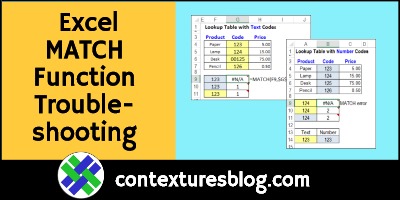
Excel MATCH Function Error Troubleshooting Examples

Sometimes, a MATCH formula returns an #N/A error, even if the value you’re looking for is in the lookup table. The reason for that could be numbers that Excel sees as text, and here are a couple of ways to fix that problem. And if numbers aren’t the problem, I’ve got a couple of other things to check too!

MATCH Function Examples

Before we start troubleshooting the MATCH function, here’s a short video that shows how the function works. It has four MATCH examples, so you can see different ways to use it.

There are more examples on the INDEX and MATCH page of my Contextures site.

Continue reading “Excel MATCH Function Error Troubleshooting Examples”

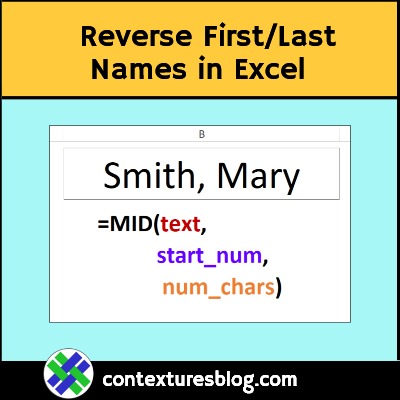
Reverse First Last Names with Excel Formula

If names are in Last, First order in an Excel workbook, use this MID formula to reverse them, in another cell. This short video shows the steps, and how the formula works. There’s a longer video too, that shows a different formula you can use.

Continue reading “Reverse First Last Names with Excel Formula”