Excel Roundup 2021-06-24

Happy Summer! Or, if you’re south of the equator, Happy Winter! To help you get the new season off to a good start, here’s a roundup of Excel articles and links. I hope you find a few interesting things to read, and new Excel features to try.

NOTE: To get Excel links and articles every other week, sign up for my bi-weekly Excel newsletter.

Continue reading “Excel Roundup 2021-06-24”

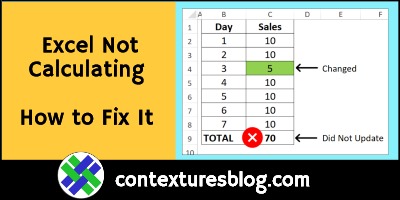
Excel Workbook Formulas Not Calculating: How to Fix Them

Your Excel file worked perfectly yesterday, but when you entered new data today, the totals didn’t update. Why did the formulas suddenly stop calculating, and how can you fix them? Here’s the most common reason for that problem, and a quick way to fix it. Also, see how to avoid that problem in the future.

Continue reading “Excel Workbook Formulas Not Calculating: How to Fix Them”

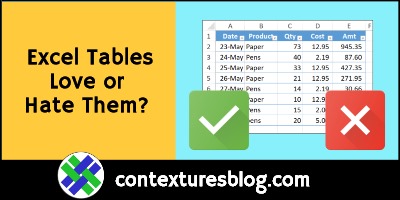
Excel Formatted Named Tables: Love Them or Hate Them?

Do you love the formatted, named tables in Excel, and use them as much as possible? Or, do you hate tables, and avoid them at any cost? Here are some of the great things about Excel tables, and a few reasons to think twice about using them in your Excel files.

Continue reading “Excel Formatted Named Tables: Love Them or Hate Them?”

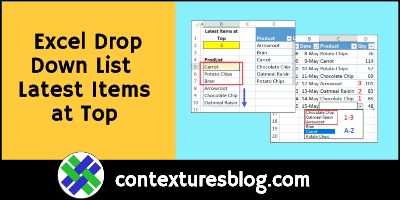
Excel Drop Down List with Latest Items at Top

In this data validation drop down list, the most recently ordered products are at the top. The rest of the product names are below those, in alphabetical order. There’s a worksheet cell where you can set the number of top items. This technique uses new functions, SORTBY and MAXIFS, which are available in Excel 365.

Continue reading “Excel Drop Down List with Latest Items at Top”

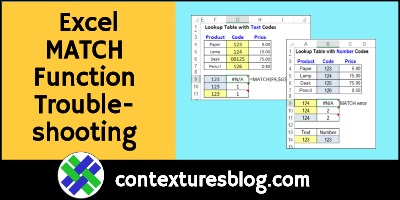
Excel MATCH Function Error Troubleshooting Examples

Sometimes, a MATCH formula returns an #N/A error, even if the value you’re looking for is in the lookup table. The reason for that could be numbers that Excel sees as text, and here are a couple of ways to fix that problem. And if numbers aren’t the problem, I’ve got a couple of other things to check too!

MATCH Function Examples

Before we start troubleshooting the MATCH function, here’s a short video that shows how the function works. It has four MATCH examples, so you can see different ways to use it.

There are more examples on the INDEX and MATCH page of my Contextures site.

Continue reading “Excel MATCH Function Error Troubleshooting Examples”

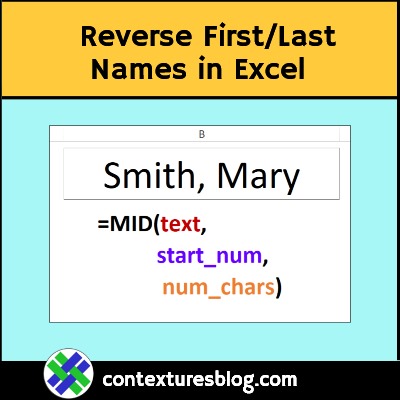
Reverse First Last Names with Excel Formula

If names are in Last, First order in an Excel workbook, use this MID formula to reverse them, in another cell. This short video shows the steps, and how the formula works. There’s a longer video too, that shows a different formula you can use.

Continue reading “Reverse First Last Names with Excel Formula”

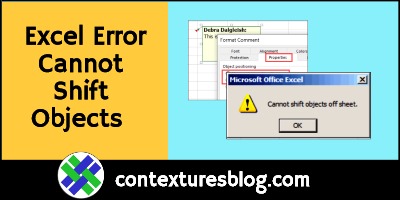
Excel Error Cannot Shift Objects Can’t Push Objects

Do you sometimes get an Excel error that says “Cannot shift objects off sheet” or “Can’t push objects off the sheet”? Why is Excel complaining, and how can you stop it? I was able to fix the problem with a keyboard shortcut: Ctrl + 6. Maybe that will work for you too.

Continue reading “Excel Error Cannot Shift Objects Can’t Push Objects”

Excel Nested IF Formula Horror Stories

Is the Excel IF function underused, overused or too often abused? Or some combination of all three? This short video shows how to make a simple IF formula. It checks if a cell is empty, then returns a result, based on that test. Too often though, the IF function is nested about 15 layers deep. Those formulas are confusing, and could usually be replaced by a much simpler solution. What are your nested IF Formula horror stories?

Continue reading “Excel Nested IF Formula Horror Stories”