

Is the Excel IF function underused, overused or too often abused? Or some combination of all three? This short video shows how to make a simple IF formula. It checks if a cell is empty, then returns a result, based on that test. Too often though, the IF function is nested about 15 layers deep. Those formulas are confusing, and could usually be replaced by a much simpler solution. What are your nested IF Formula horror stories?
Author: Debra Dalgleish
Quick Tip: Find and Replace Line Breaks in Cells
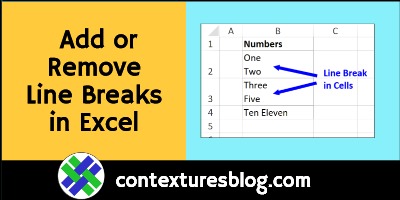
To show text on separate lines in an Excel worksheet cell, use a shortcut, Alt+Enter, to add a line break. If you want to remove them later, use Ctrl+J in Find and Replace. This short video shows the steps.
Continue reading “Quick Tip: Find and Replace Line Breaks in Cells”
Count Duplicates in Excel List With Pivot Table
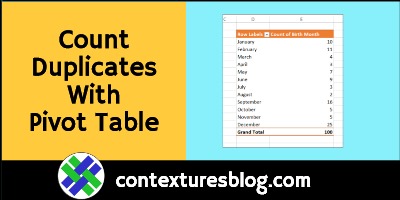
In Excel, use a pivot table to quickly count the duplicate items in a list. No formulas needed with this Excel tip! See how to do this in the short video, and written steps, below.
Continue reading “Count Duplicates in Excel List With Pivot Table”
Add Letter Headings in Excel Drop Down List
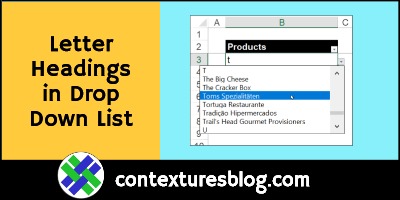
If an Excel drop down has a long list of items, it can take lots of scrolling to find the item you need. To make things easier, add single-letter headings in the list. You’ll be able to get to any starting letter quickly. See Roger Govier’s technique for setting that up, and an updated version of his macros.
Continue reading “Add Letter Headings in Excel Drop Down List”
Quick Tip: Divide Excel Numbers Without Formulas
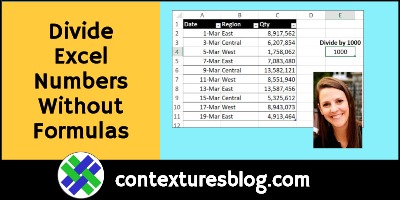
Here’s a quick Excel tip, to get you off to an easy start in 2021! This short video shows how you can quickly divide a set of numbers, by using the Paste Special command. No formulas required!
Continue reading “Quick Tip: Divide Excel Numbers Without Formulas”
Excel Roundup 2020-12-31

Happy New Year! To wrap up the old year (goodbye 2020!), here’s a roundup of Excel articles and links. I hope you find a few interesting things to read, and new Excel features to try.
How to Count Specific Words in Excel Text String
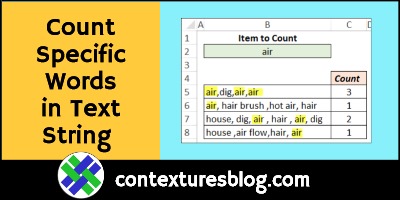
How can you count specific words in a text string, using an Excel formula? For example, a cell has this text – air, hair brush ,hot air, hair. The word “air” should be counted once. It shouldn’t be counted if it’s part of other words or phrases.
Continue reading “How to Count Specific Words in Excel Text String”
Excel Threaded Comments Macros
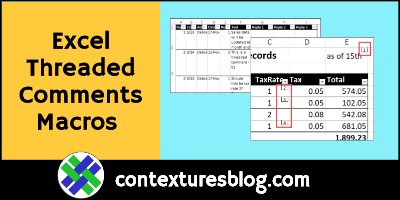
In Excel for Office 365, there are threaded comments, where you can have discussions with your co-workers. Or, reply to your own threaded comments, with updates on the data. The old-style comments are now called Notes, and they still work the way they always did. Here are a couple of macros that you can use to work with the new Excel threaded comments.
Combine Text and Formatted Numbers in Excel
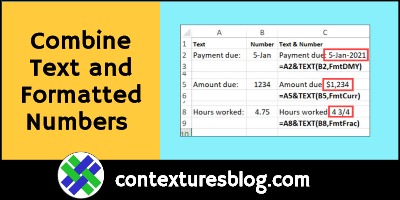
In all versions of Excel, you can use a simple formula, with the & operator, to combine values from different cells. If you want the numbers formatted a certain way, use the TEXT function to set that up.
Continue reading “Combine Text and Formatted Numbers in Excel”
Excel Spill Formula Examples
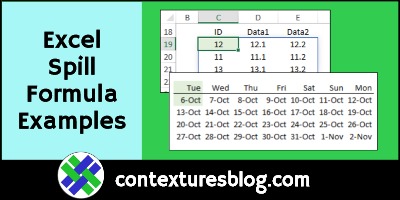
Spill functions can fill neighbouring cells with their results, to create dynamic ranges. Thank you to Dermot Balson, who sent me his Excel workbook with examples for all the new functions (dynamic arrays) in Excel for Office 365. The examples show how VBA functions can spill too, and even some old Excel functions will spill automatically. Continue reading “Excel Spill Formula Examples”