

Happy Spreadsheet Day 2020! We’re celebrating on a Saturday this year, so you have the whole day to relax, and play with spreadsheets. (Just like we do every day, right?)
Author: Debra Dalgleish
Spreadsheet Day 2020 Online Celebration

This coming Saturday, October 17th is Spreadsheet Day. I’m sure you’ve got a full day of celebrations planned, starting with waffles at breakfast, and a “sheet” cake with your evening meal. And to help you get in the Spreadsheet Day spirit ahead of time, you can join a special online event tomorrow, October 14th.
Excel Looks Strange on Second Monitor
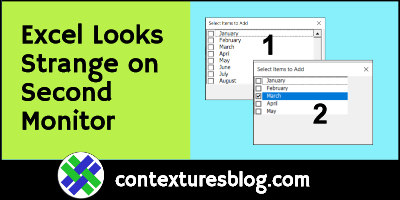
Lately, I’ve noticed that some things in Excel look strange, when I have them on my second monitor. For example, an Excel UserForm listbox doesn’t show its scroll bar. But, if I drag that UserForm to my other monitor, the scroll bar magically reappears. Finally, I tried a quick fix, and it seems to be working!
Continue reading “Excel Looks Strange on Second Monitor”
Excel Check Box Fills in Billing Address
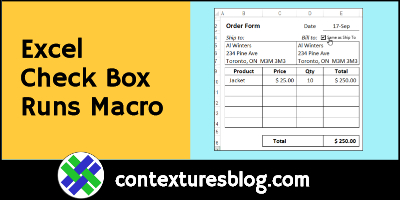
There’s an Excel Order Form tutorial on my Contextures site, with written steps and a video that show how to set it up from scratch. I’ve just added a new section, with a check box that fills in the billing address. Add a check mark, and a macro copies the shipping address for you.
Excel TEXTJOIN Function Examples

One of the newest Excel functions is TEXTJOIN — use it to combine several text items, quickly and easily. It’s a big improvement over the old CONCATENATE function, and the ampersand (&) operator. There’s a simple example below, and a fancier one, which combines TEXTJOIN with a few other functions.
Show Pivot Table Values with Slicer
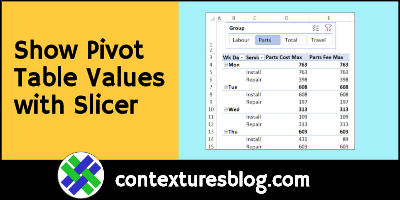
Instead of adding and removing pivot table values one at a time, click a Slicer, to quickly add and remove them, in groups. Most pivot tables won’t need this, but for source data with lots of numeric fields, this slicer technique can make things easier.
Clear Old Items from Pivot Table Drop Downs
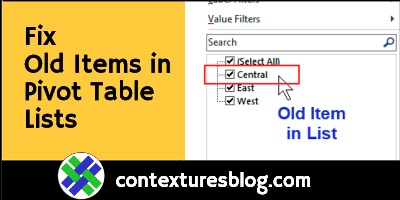
Old items might still appear in pivot table drop down lists, even after you remove the items from the source data. Here’s how to stop fix that problem – watch the short video, or see the written steps below.
Continue reading “Clear Old Items from Pivot Table Drop Downs”
Show List of Matching Items in Excel
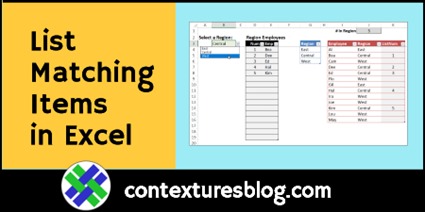
Today’s video shows how to set up a matching items list – select a region name, and the list shows all employees who work in that region. There are no macros, just a data validation list and a few formulas.
NOTE: If you have a version of Excel with dynamic arrays (Excel for Office 365), use dynamic arrays to create the list of matching items instead. (video below) Continue reading “Show List of Matching Items in Excel”
Excel Multiplication Table Practice Workbook

Do you remember the number grids from your schools days, where you filled in the multiplication answers? What’s 4 times 8? Or 9 times 7? If you need a refresher, or you’re helping someone learn them, I’ve got an Excel multiplication table practice workbook for you.
Continue reading “Excel Multiplication Table Practice Workbook”
Excel Search Form Builder Update 2020-06
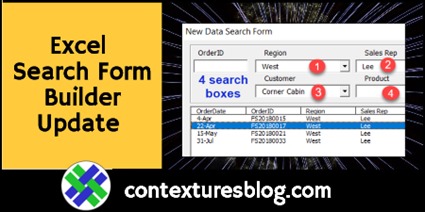
There’s been an update to my Excel Search Form Builder (SFB), so download the latest version if you’ve bought this product before. In version 4.08 you can create a form with either 2 or 4 search boxes. Previously, there were only 2.