
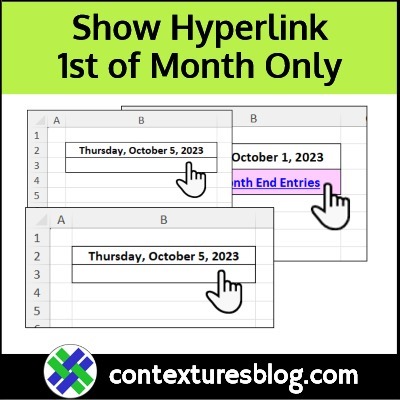
In your job, are there Excel tasks that need to be done at month end? Here’s how I use a hidden hyperlink to help with my month end routine. Continue reading “Hide Excel Hyperlink-Show Monthly-Conditional Format”
Category: Excel Formulas
Should You Merge Cells or Combine Text in Excel
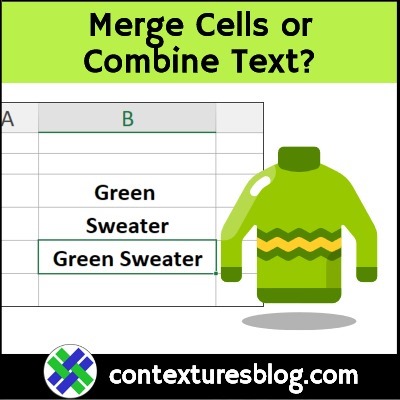
In our everyday life, the words Merge and Combine have almost the same meaning. However, when you’re working in Microsoft Excel, there are important differences in their meanings!
Continue reading “Should You Merge Cells or Combine Text in Excel”
How to Compare Two Lists in Excel-New Items
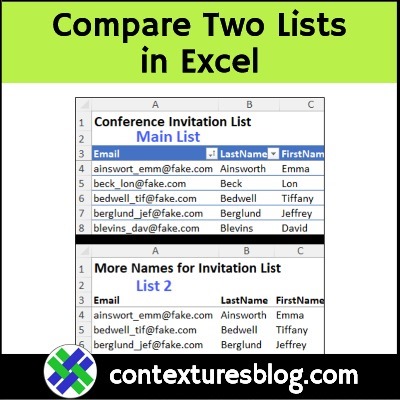
Do you ever need to compare two lists in Excel, and see if there are some items in one list, that aren’t in the other list? The video below shows how to check for new items, and only add those to your existing list. You don’t want to have a list that’s full of duplicates entries!
Continue reading “How to Compare Two Lists in Excel-New Items”
Excel Formula Troubleshooting Tips and Tools
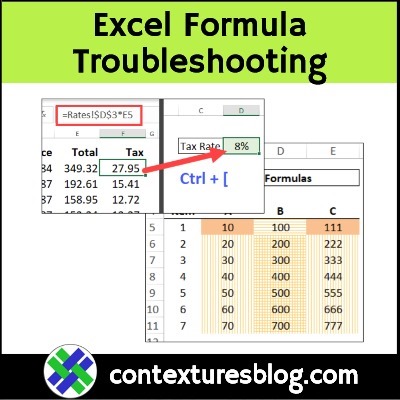
What’s your favourite way to troubleshoot Excel formulas? Here are a few tips for current versions of Excel, and a preview of new features that are coming soon, for Excel 365.
Continue reading “Excel Formula Troubleshooting Tips and Tools”
Create Excel Monthly Calendar From 6 Formula Cells
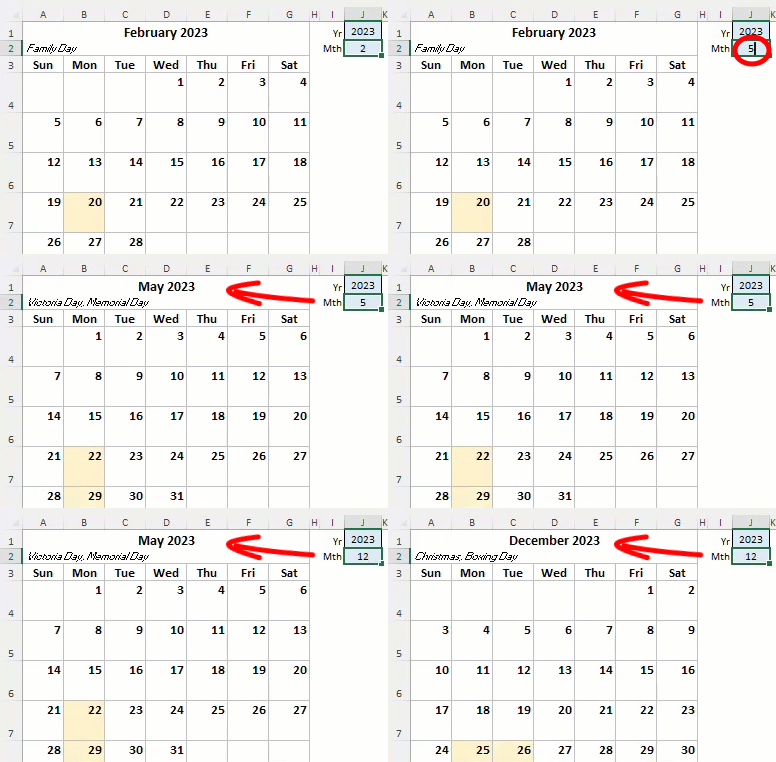
Create a monthly Excel calendar, based on a few short formulas. Next, add formatting and a heading, and if you’re feeling fancy, show a list of the month’s holidays too! This example uses functions that are available in Excel 365, and in Excel for the Web.
Continue reading “Create Excel Monthly Calendar From 6 Formula Cells”
Calculate Ratio with Excel Formula – 3 Steps
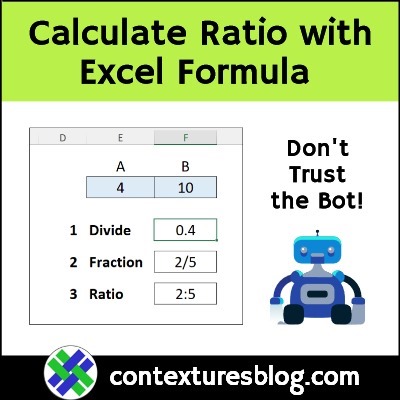
Do you ever use Excel to calculate a ratio? In business, you could compare income to expenses, and at home, you could use ratios to bake a cake, without a recipe. In my latest video, I show a quick Excel formula for the ratio between two numbers, in x:y format. And no, Excel doesn’t have a RATIO function, even though one overly-confident AI helper tool said it does!
Continue reading “Calculate Ratio with Excel Formula – 3 Steps”
Excel REPT Function Examples Groundhog Day

Happy Groundhog Day! Have you made plans that you’ll be happy to repeat, day after day? Maybe these Excel REPT function examples will give you some ideas! There are written steps, screen shots, and 3 videos below.
Continue reading “Excel REPT Function Examples Groundhog Day”
Excel TEXTJOIN Function Bad Examples from ChatGPT
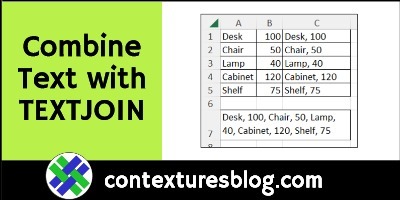
Have you played with the ChatGPT app yet, to get AI help with your writing, or your Excel formulas? Yesterday, I asked it to write Excel TEXTJOIN formula examples, and things didn’t go too well!
Continue reading “Excel TEXTJOIN Function Bad Examples from ChatGPT”
Split Text Into Columns in Excel-Get Specific Column
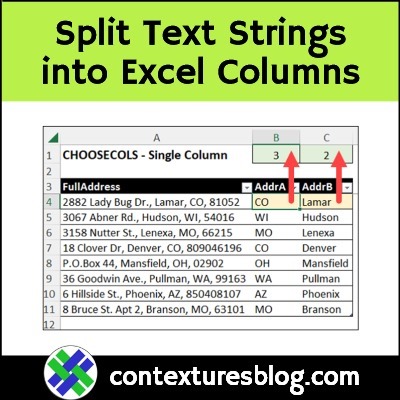
If you had to split a text string into separate columns in Excel, how would you do that? There are built-in tools that could help you, and Excel functions and formulas will do the job too. If your version of Excel has the latest functions and features, there are fancy new text functions for you to try.
Continue reading “Split Text Into Columns in Excel-Get Specific Column”
Excel Subtotal Feature Problems
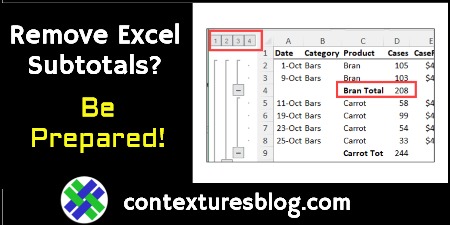
In the past, I’ve written about a duplicate grand total problem in Excel’s automatic Subtotals feature. Yesterday I noticed another problem, and it was nasty surprise!