Excel Roundup 20151123

In this week’s roundup, get file creation dates, plan for Thanksgiving, create icons with number formatting, and much more.

Also, I’m making a list of Black Friday (Nov 27th) and Cyber Monday (Nov 30th) sales for Excel related products. I’ll post it here on Thursday, November 26th, so we can be ready!

If you’re having a sale, and would like it included in the list, please send me the details — ddalgleish AT contextures.com

Continue reading “Excel Roundup 20151123”

15 Years of Excel Tips

The Internet says that 15 years ago this month, I started my Contextures Excel Tips website. And since the Internet is never wrong, it must be true! The dates are a little hazy, because that was a loooong time ago, but it was definitely 2000 that I got the website up and running.

This week, I took a look back, and figured out how to get an Excel list that shows the original creation date of all my sample files. You can download a workbook with the sample code, below.

Continue reading “15 Years of Excel Tips”

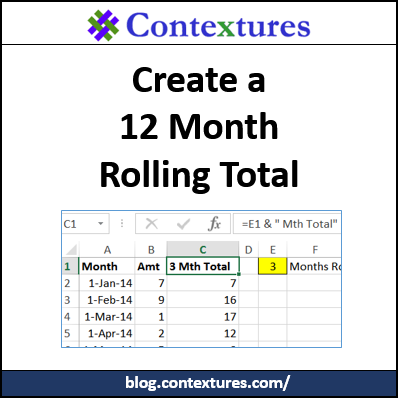
Create a Rolling Total in Excel

It’s easy to create a running total in Excel, and show the accumulated amount in each row. You can use the SUMIF function in a table, or show running totals in a pivot table.

But what if you want to show the total for a specific number of previous months – not all the previous months?

Continue reading “Create a Rolling Total in Excel”

Excel Subtotals With Duplicate Grand Totals

Do you use Excel’s Subtotal command to automatically create subtotals in a list? I prefer pivot tables, but still use Subtotals in a few macros for clients. Last week, one of them asked why there were duplicate Grand Totals after applying two levels of subtotals.

Continue reading “Excel Subtotals With Duplicate Grand Totals”