
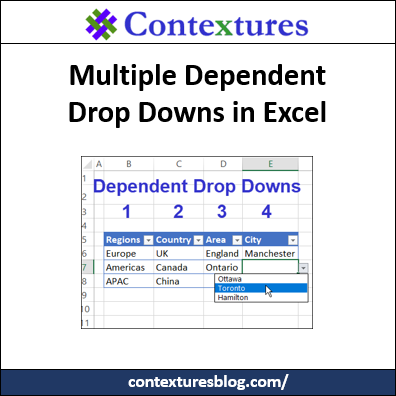
With dependent drop downs, select an item from one Excel drop down list, and the next drop down only show the related items. For example, choose Canada in column C, and only see Canadian provinces in column D’s drop down. Now, go beyond those basics – see how to create multiple dependent drop downs – Region, Country, Area and City.
Excel Mileage Lookup With Total Distance
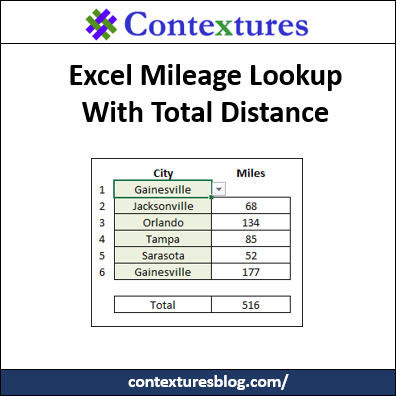
If you’re planning a vacation trip, Excel can help. It’s a great place to keep your packing lists, and you can track your vacation spending too (if you really want to know the total!). I’ve just uploaded a new sample file that will show how far you’ll travel. Select cities, and formulas do a mileage lookup, with total distance from start to end.
Better Hyperlinks for Excel Sheets
Last month, you saw J. Woolley’s technique to run command files from Excel hyperlinks. He created a SuperLink function too, that is better than Excel’s HYPERLINK function. Now he’s sharing a new technique, with better hyperlinks for Excel sheets.
Continue reading “Better Hyperlinks for Excel Sheets”
List All Pivot Table Styles Macro
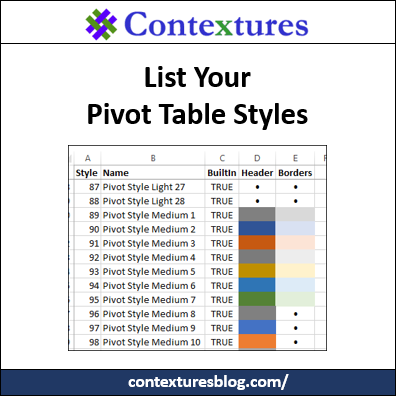
When you create a pivot table, a default PivotTable Style is automatically applied. You can change to a different style, and you can even create custom pivot table styles. To help you keep track of the styles that you have, here’s a List All Pivot Table Styles macro.
Monitor Expiry Dates in Excel
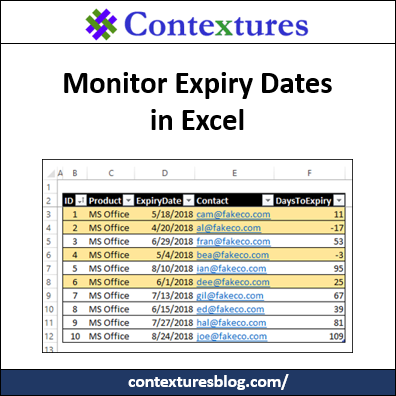
Do you use Excel to keep track of software subscriptions, or domain registrations, or other things with an expiry date? It’s important to keep track of those dates, so here’s an example of how to monitor expiry dates in Excel, and see what needs to be renewed soon.
Run Command Files From Excel Update
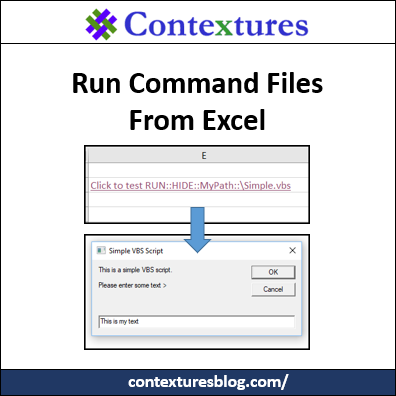
Last year, J. Woolley shared his technique to run command files from Excel hyperlinks. He has improved how this works, and now you can get his latest version of the files. It has a SuperLink function too, that is better than Excel’s HYPERLINK function.
Cross Off Tasks in Excel To Do List
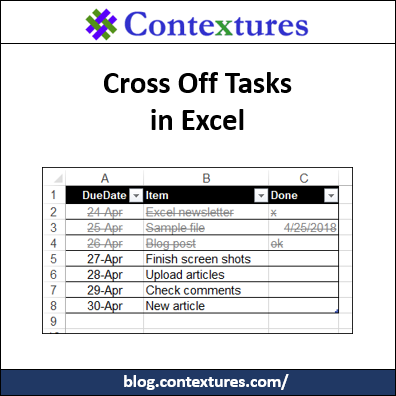
Welcome to the new home of my Contextures Excel Blog! It used to be part of my main Excel site, but the blog needed more room. I had a long “to do” list for the blog move, and Excel made it easy to cross off tasks when I finished them.
Copy a Pivot Table Custom Style to Different Workbook
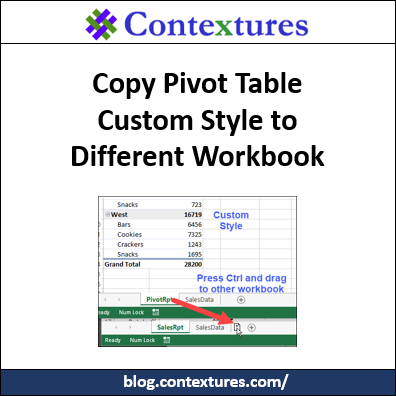
How can you copy a pivot table custom style to a different workbook? There isn’t a built-in way to do that, but there is a workaround solution. There are instructions that worked in Excel 2013, and earlier versions (way back to Excel 2007). Those stopped working, unfortunately, but there’s an easy way to do this in Excel 2016 too.
Continue reading “Copy a Pivot Table Custom Style to Different Workbook”
How to Compare Two Cells in Excel
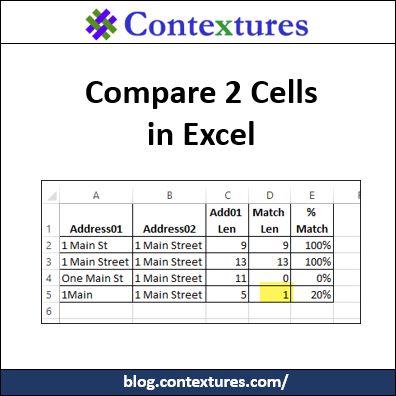
Aside from staring at them closely, how can you compare two cells in Excel? Here are a few functions and formulas that check the contents of two cells, to see if they are the same.
Excel Hidden Data Warning
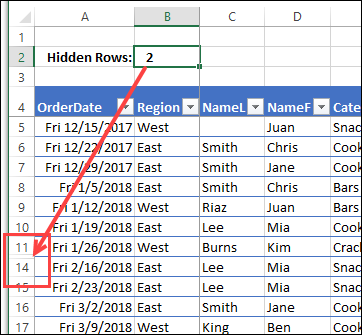
Have you seen the articles that blame Excel for all kinds of business errors? In some cases, problems occur because rows were hidden, and that distorted the data analysis. To help avoid those problems, I created a sample file that shows an Excel hidden data warning, if rows or columns are hidden.
Continue reading “Excel Hidden Data Warning”