
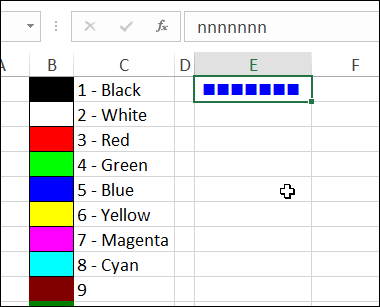
Have you ever been working with text in Excel, and wondered how that text would look in a different colour? Instead of black, maybe it would be better in red, or green, or blue. Did you know that Excel has a built-in command called Cycle Font Color?
New Ways to Build Excel Addins
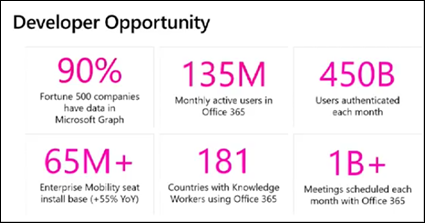
Were you using Excel, way back in 1993, when VBA was introduced in Excel 5.0? Now, there are new ways to automate Excel, and a great opportunity to learn more about them, at the Develop Excel conference in London, on October 18th.
Rename Pivot Table DrillDown Sheets
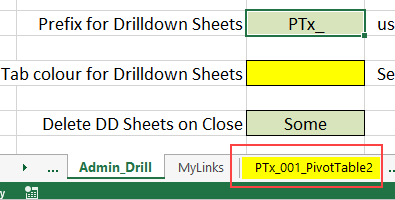
When you double-click a pivot table value cell, Excel adds a new sheet to your workbook, with the details for that summary value. To make it easy to find those sheets, and delete them later, use the latest version of my macros to rename Pivot Table DrillDown sheets.
Excel Threaded Comments Warning
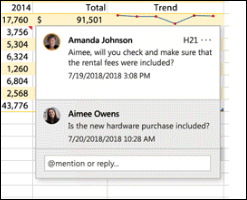
With Excel comments, you can put a quick note in a cell, to explain a cell’s value. A new type of comment is coming to Excel soon, and here is a warning, before you make the switch.
Excel ActiveX Combobox Item Select Macro
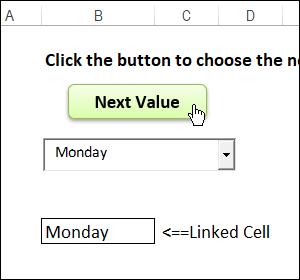
Someone asked how they could show the items in a worksheet Combobox list, one after the other. It was an interesting challenge, so here is my Activex Combobox item select macro.
Resize Excel Comments with Macros
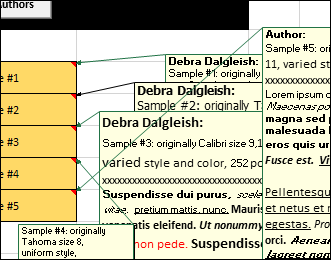
If you add comments to worksheet, eventually those comments might wander away from their original locations. Sometimes the comments change size too, and you need to adjust them. Instead of making changes manually, move or resize Excel comments with macros, to save time.
Remove Sum of in Pivot Table Headings
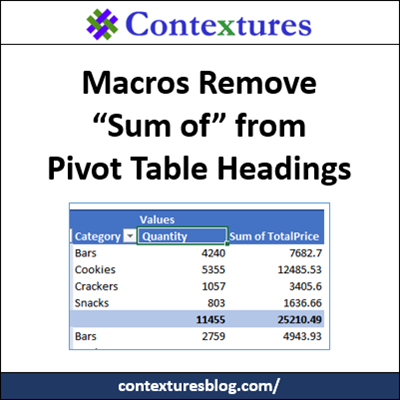
When you’re building a pivot table, if you add fields to the Values area, Excel automatically adds “Sum of” or “Count of” to the start of the field name. You can manually remove that text, or use macros to quickly change the headings. There is one macro example here, and more on my Contextures website.
Excel Roundup 20180712
Are you melting yet, in the summer heat? Stay indoors, and keep cool, while you read this Excel Roundup for summer 2018.
Multiple Dependent Drop Downs
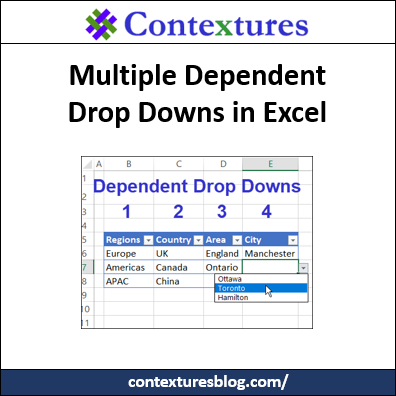
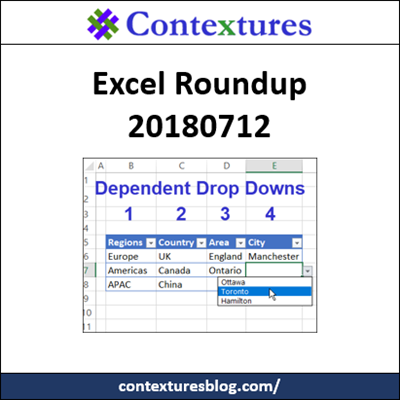
With dependent drop downs, select an item from one Excel drop down list, and the next drop down only show the related items. For example, choose Canada in column C, and only see Canadian provinces in column D’s drop down. Now, go beyond those basics – see how to create multiple dependent drop downs – Region, Country, Area and City.
Excel Mileage Lookup With Total Distance
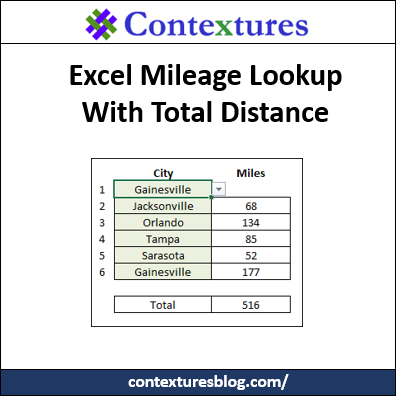
If you’re planning a vacation trip, Excel can help. It’s a great place to keep your packing lists, and you can track your vacation spending too (if you really want to know the total!). I’ve just uploaded a new sample file that will show how far you’ll travel. Select cities, and formulas do a mileage lookup, with total distance from start to end.