Excel Workbook Formulas Not Calculating: How to Fix Them

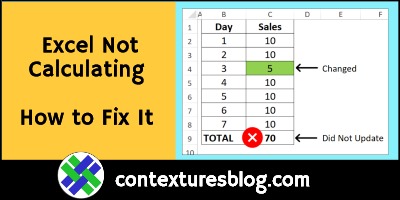
Your Excel file worked perfectly yesterday, but when you entered new data today, the totals didn’t update. Why did the formulas suddenly stop calculating, and how can you fix them? Here’s the most common reason for that problem, and a quick way to fix it. Also, see how to avoid that problem in the future.

Continue reading “Excel Workbook Formulas Not Calculating: How to Fix Them”
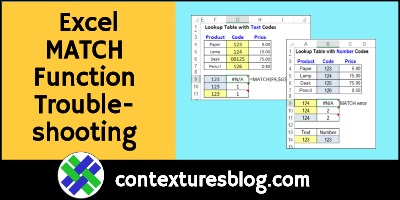
Excel MATCH Function Error Troubleshooting Examples

Sometimes, a MATCH formula returns an #N/A error, even if the value you’re looking for is in the lookup table. The reason for that could be numbers that Excel sees as text, and here are a couple of ways to fix that problem. And if numbers aren’t the problem, I’ve got a couple of other things to check too!

MATCH Function Examples

Before we start troubleshooting the MATCH function, here’s a short video that shows how the function works. It has four MATCH examples, so you can see different ways to use it.

There are more examples on the INDEX and MATCH page of my Contextures site.

Continue reading “Excel MATCH Function Error Troubleshooting Examples”

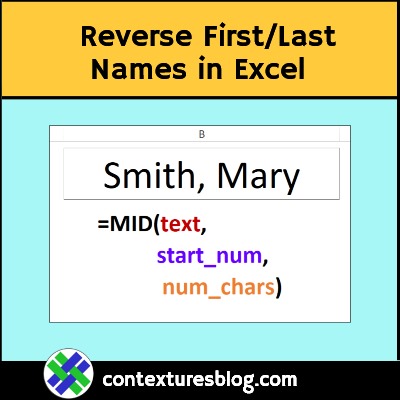
Reverse First Last Names with Excel Formula

If names are in Last, First order in an Excel workbook, use this MID formula to reverse them, in another cell. This short video shows the steps, and how the formula works. There’s a longer video too, that shows a different formula you can use.

Continue reading “Reverse First Last Names with Excel Formula”

Excel Nested IF Formula Horror Stories

Is the Excel IF function underused, overused or too often abused? Or some combination of all three? This short video shows how to make a simple IF formula. It checks if a cell is empty, then returns a result, based on that test. Too often though, the IF function is nested about 15 layers deep. Those formulas are confusing, and could usually be replaced by a much simpler solution. What are your nested IF Formula horror stories?

Continue reading “Excel Nested IF Formula Horror Stories”

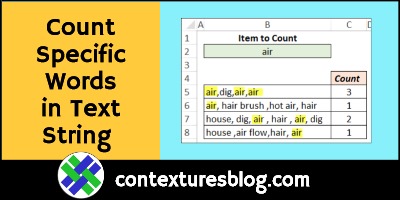
How to Count Specific Words in Excel Text String

How can you count specific words in a text string, using an Excel formula?  For example, a cell has this text – air, hair brush ,hot air, hair. The word “air” should be counted once. It shouldn’t be counted if it’s part of other words or phrases.

Continue reading “How to Count Specific Words in Excel Text String”

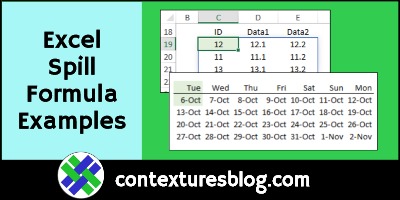
Excel Spill Formula Examples

Spill functions can fill neighbouring cells with their results, to create dynamic ranges. Thank you to Dermot Balson, who sent me his Excel workbook with examples for all the new functions (dynamic arrays) in Excel for Office 365. The examples show how VBA functions can spill too, and even some old Excel functions will spill automatically. Continue reading “Excel Spill Formula Examples”

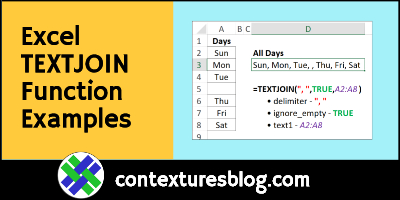
Excel TEXTJOIN Function Examples

One of the newest Excel functions is TEXTJOIN — use it to combine several text items, quickly and easily. It’s a big improvement over the old CONCATENATE function, and the ampersand (&) operator. There’s a simple example below, and a fancier one, which combines TEXTJOIN with a few other functions.

Continue reading “Excel TEXTJOIN Function Examples”

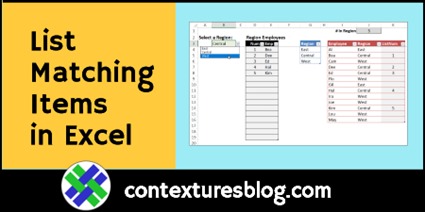
Show List of Matching Items in Excel

Today’s video shows how to set up a matching items list – select a region name, and the list shows all employees who work in that region. There are no macros, just a data validation list and a few formulas.

NOTE: If you have a version of Excel with dynamic arrays (Excel for Office 365), use dynamic arrays to create the list of matching items instead. (video below) Continue reading “Show List of Matching Items in Excel”

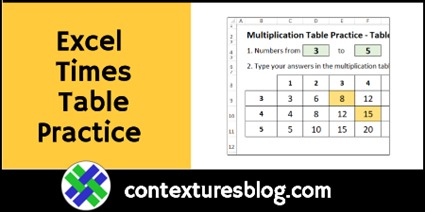
Excel Multiplication Table Practice Workbook

Do you remember the number grids from your schools days, where you filled in the multiplication answers? What’s 4 times 8? Or 9 times 7?  If you need a refresher, or you’re helping someone learn them, I’ve got an Excel multiplication table practice workbook for you.

Continue reading “Excel Multiplication Table Practice Workbook”