
A few years ago, Excel MVP Kirill Lapin shared his code to create a pivot table from identically structured tables in two or more Excel files. His technique used a Union query in Microsoft Query, and you can see the details here.
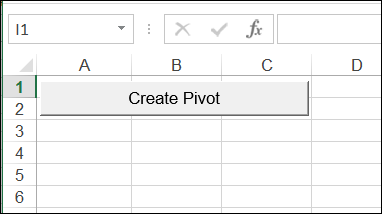
You just click the button to start the macro.
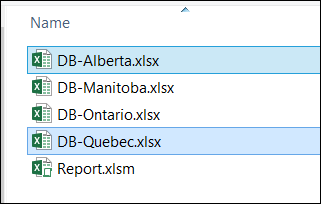
Then, select the files that you want to include (press the Ctrl key, and click on multiple files)
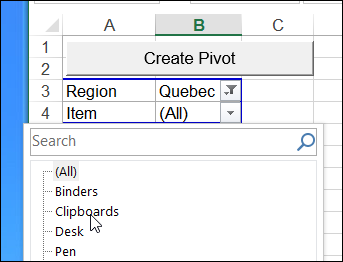
Pivot Table Created
A pivot table is created from all the data, and you can filter or sort the data, just as you would in any other pivot table.
Create an Excel Table Instead
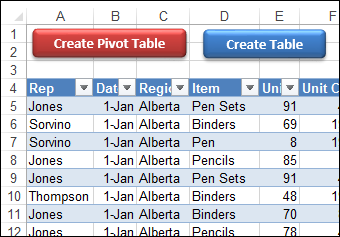
Instead of building a pivot table from the data, a few people asked if it was possible to create a worksheet table instead.
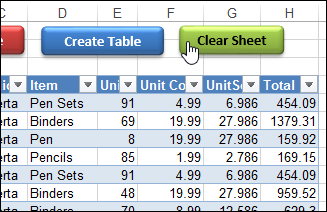
So, I created a variation on Kirill’s macro, and I’ve uploaded a new version of the file. Now it has two “Create” buttons on the main sheet:
- one to create a pivot table, and
- one to create an Excel table.
Clear Sheet to Start Over
I also added a Clear Sheet button, to remove whatever is on the sheet, in case you want to start fresh.
Download the Sample File
To download the new version of the sample file, please visit the Excel Sample Files page on my Contextures site. In the Pivot Tables section, look for PT0033 – Pivot Table or Excel Table from Multiple Files
The zipped file contains a folder with region files and the master file – Report.xlsm. The master file contains macros, so be sure to enable those if you want to test the macros.
_____________________
hi i have error (win7 + excel 2007)
https://youtu.be/5aYaZkiB1CQ
thank yoy