
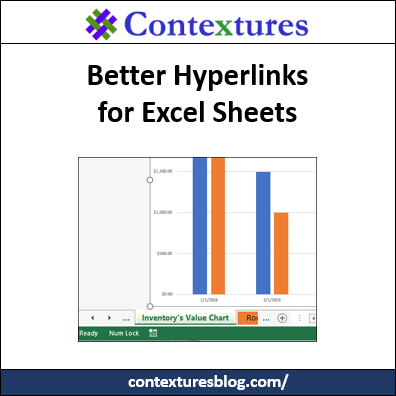
Last month, you saw J. Woolley’s technique to run command files from Excel hyperlinks. He created a SuperLink function too, that is better than Excel’s HYPERLINK function. Now he’s sharing a new technique, with better hyperlinks for Excel sheets.
Continue reading “Better Hyperlinks for Excel Sheets”
Author: Debra Dalgleish
List All Pivot Table Styles Macro
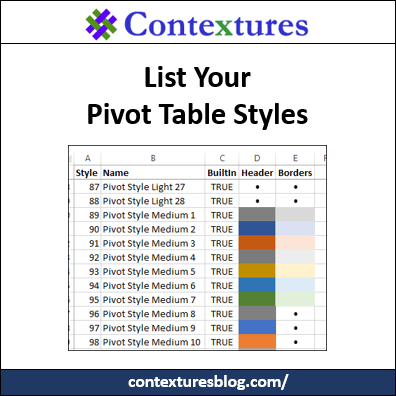
When you create a pivot table, a default PivotTable Style is automatically applied. You can change to a different style, and you can even create custom pivot table styles. To help you keep track of the styles that you have, here’s a List All Pivot Table Styles macro.
Monitor Expiry Dates in Excel
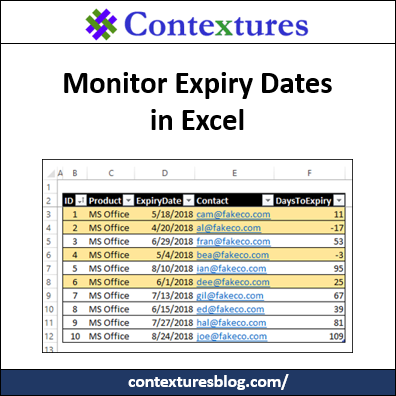
Do you use Excel to keep track of software subscriptions, or domain registrations, or other things with an expiry date? It’s important to keep track of those dates, so here’s an example of how to monitor expiry dates in Excel, and see what needs to be renewed soon.
Run Command Files From Excel Update
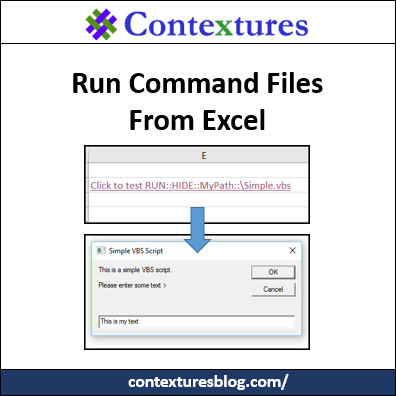
Last year, J. Woolley shared his technique to run command files from Excel hyperlinks. He has improved how this works, and now you can get his latest version of the files. It has a SuperLink function too, that is better than Excel’s HYPERLINK function.
Cross Off Tasks in Excel To Do List
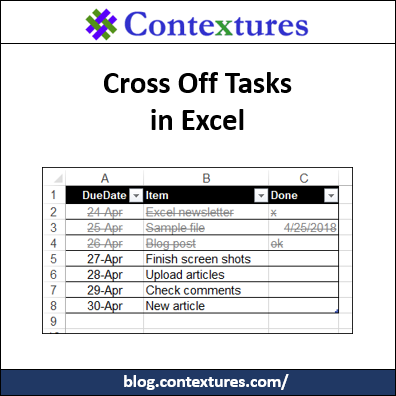
Welcome to the new home of my Contextures Excel Blog! It used to be part of my main Excel site, but the blog needed more room. I had a long “to do” list for the blog move, and Excel made it easy to cross off tasks when I finished them.
Copy a Pivot Table Custom Style to Different Workbook
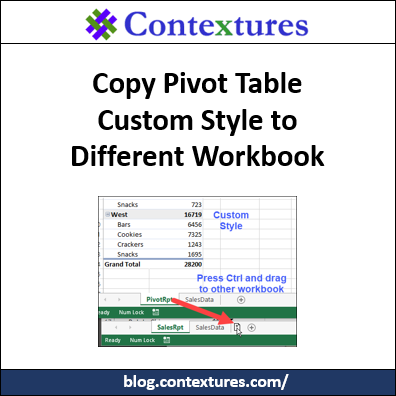
How can you copy a pivot table custom style to a different workbook? There isn’t a built-in way to do that, but there is a workaround solution. There are instructions that worked in Excel 2013, and earlier versions (way back to Excel 2007). Those stopped working, unfortunately, but there’s an easy way to do this in Excel 2016 too.
Continue reading “Copy a Pivot Table Custom Style to Different Workbook”
How to Compare Two Cells in Excel
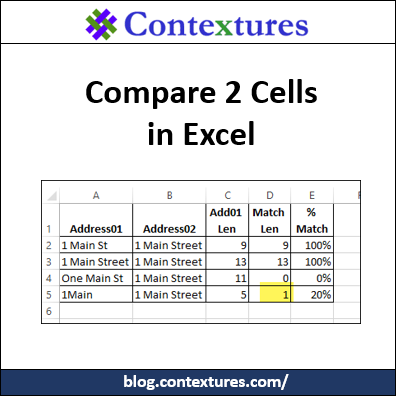
Aside from staring at them closely, how can you compare two cells in Excel? Here are a few functions and formulas that check the contents of two cells, to see if they are the same.
Excel Easter Dates and IP Addresses
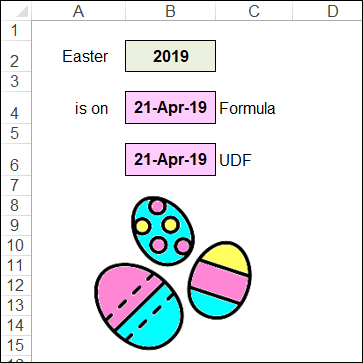
As you know, Excel can do almost anything! Recently, I changed the server that my site and blog are on, and Excel helped with the IP Addresses. And since it’s that time of year, let’s see how Excel can calculate Easter dates for us.
Excel Roundup 20180322
Spring has finally arrived, so here is a “Goodbye Winter” Excel Roundup, with articles that I’ve read recently, and upcoming Excel events and free online courses that I’ve heard about. To get Excel links and articles every week, sign up for my weekly Excel newsletter.
Excel Conditional Formatting Colour Macro Problems
If you need to know what color is in a worksheet cell, or a shape, you can check it manually, or use VBA code to find the color number. There are conditional formatting color macros too, but they’re a bigger challenge, and didn’t work for a project that I built recently. Here’s what I was working on, and some of the Excel color resources that I used along the way. There are links to download my sample file, and one from Visio MVP, John Marshall. Continue reading “Excel Conditional Formatting Colour Macro Problems”