
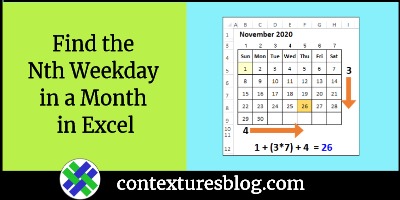
Some events occur on the Nth weekday of a specific month each year. Maybe your book club meets on the 4th Tuesday every month, and you don’t want to miss any meetings. In Excel, you can use a formula to find the Nth weekday in a month, and there’s an example shown below. Continue reading “Find the Nth Weekday in a Month in Excel”
Author: Debra Dalgleish
Pivot Table from Filtered List Visible Rows
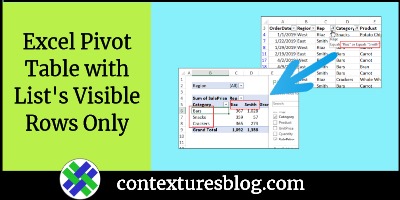
When you create a pivot table in Excel, it doesn’t matter if there are filters applied in the source data table. The pivot table includes all the data, whether it’s hidden or not. But, if you’d like to create a pivot table from filtered list visible rows only, you can try this technique.
Continue reading “Pivot Table from Filtered List Visible Rows”
Excel Hyperlink to Next Empty Cell
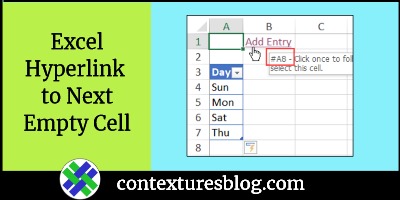
Last week, someone asked me how to make an Excel hyperlink to next empty cell. See how to set that up, in a couple of different situations.
Excel Drop Downs from Dynamic Arrays
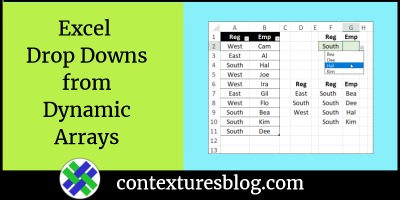
Select a region name in one Excel drop down list. Then, in the next drop down list, select from a list of employees who work in that region. You’ve seen this dependent drop down trick before, but watch my latest video below, to see a new twist on this technique.
Excel Pivot Power Free Add-in Update
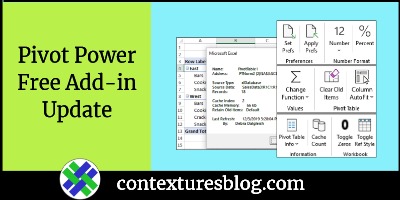
If you’re using my Excel Pivot Power Free add-in, there’s a new version for you to download. There’s one new feature, one feature fix, and a couple of minor changes in the background. Continue reading “Excel Pivot Power Free Add-in Update”
How to Fix Excel Copy and Paste Problems
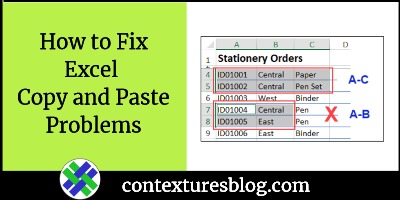
Copying and pasting can save you lots of time in Excel. Occasionally though, you might run into problems. See how to fix Excel copy and paste problems when you’re working with multiple selections. One problem is sneaky, and you might not even know it’s happening!
Keep Notes on Excel Formulas and Macros
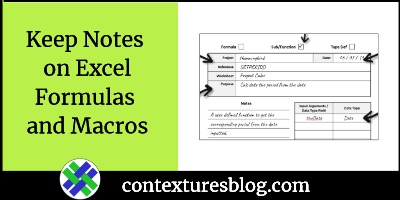
Do you keep notes about the Excel formulas and macros that you create? What’s your documentation system, if you have one? Is it fancy or simple, and is it electronic or paper-based? Or is it all stored in your head?
Excel AutoFilter Macros
There are two types of AutoFilters in Excel – worksheet AutoFilters, and List (Table) AutoFilters. If you’re using Excel AutoFilter macros, be sure they’re designed for the type of Autofilters that are in your workbook.
How to Refresh an Excel Pivot Table
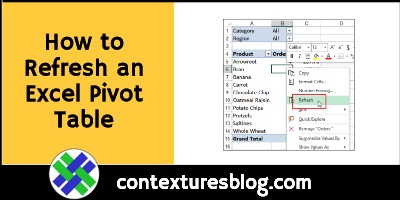
If you change any of the information in a pivot table’s source data, the pivot table won’t immediately show your latest changes. You have to refresh a pivot table, automatically or manually, to see the latest data. Continue reading “How to Refresh an Excel Pivot Table”
Excel Custom Function UDF Causing Problems

Excel macros ran really slowly in a workbook that someone sent to me. They said it was an Excel custom function (UDF) causing problems. The UDF ran for no apparent reason, and slowed other macros down. Here’s what I did to make things a bit faster.
Continue reading “Excel Custom Function UDF Causing Problems”