
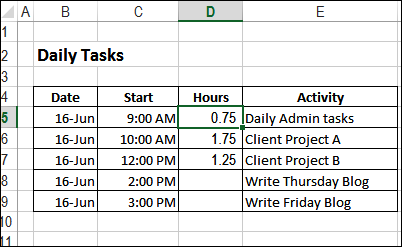
If you’ve already entered a number in a cell, or a group of cells, what’s a quick way to add something to that amount? Here’s how you can add number to multiple cells in Excel.
Category: Excel VBA
Hide an Excel Worksheet Automatically
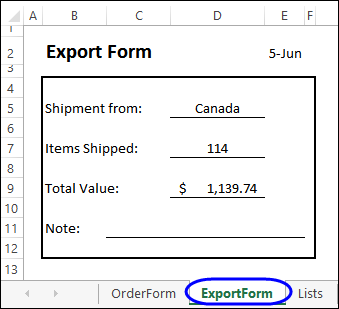
When you build a workbook for other people to use, there might be worksheets that can stay hidden some of the time. See how to hide a worksheet automatically, so you don’t have to remember to do it manually.
Continue reading “Hide an Excel Worksheet Automatically”
Excel Smart Art Family Tree

How far back can you trace your family tree? Prof. Lee Townsend, from University of Hartford, has found an interesting new way to draw her family tree — in Excel, using Smart Art and some VBA. Here’s how she created her Excel Smart Art Family Tree.
Modify Excel VBA Code in Sample Files
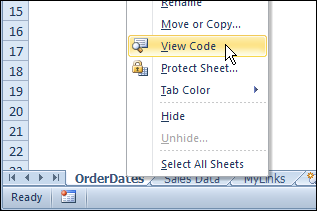
On my website, there are hundreds of Excel sample files that you can download and use. Some of the files contain macros, and you might need to adjust those macros, to use them in your own files.
Warning For Grouped Sheets
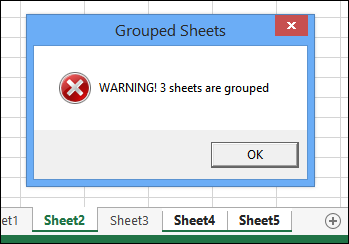
If you select more than one sheet in a workbook, and start typing or formatting, that data or formatting will be entered in all the selected sheets, not just the active sheet.
Headers on Excel Combo Boxes
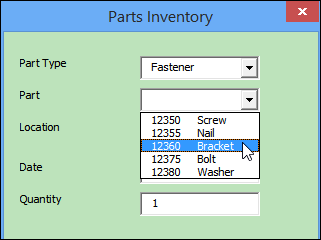
You can use combo boxes to show a drop down list, either in a UserForm, or on a worksheet. Sometimes a list is easy to understand, like this one, which shows a part number and part name.
If the list has multiple columns, it might help if there is a heading for each column, like the one in the next screen shot.
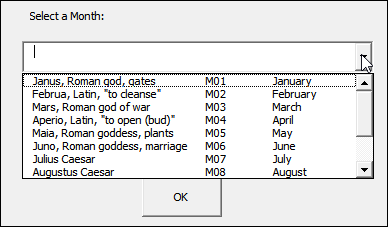
You could probably figure it out without the headings, but it removes any potential confusion, if you show the labels at the top of the list.
Continue reading “Headers on Excel Combo Boxes”
Excel Images Change Size After Preview
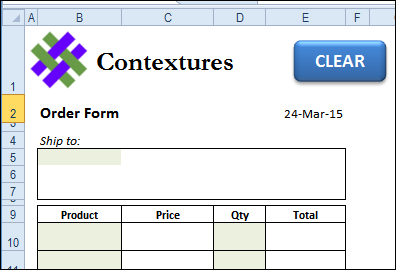
I ran into an odd problem with images in Excel 2010 last week – after looking at the sheet in Preview, a small logo graphic grew big enough to cover the most of the data on the sheet! Have you run into the problem where Excel images change size after Preview?
Problem Breaking Links in Excel
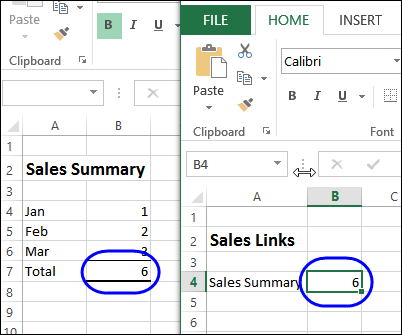
In the screen shot below, there are two files. Cell B4 in the worksheet at the right is linked to cell B7 in the sheet at the left. If you have a problem breaking links in Excel, this article might help fix that.
Calculate Survey Scores with Excel Option Buttons
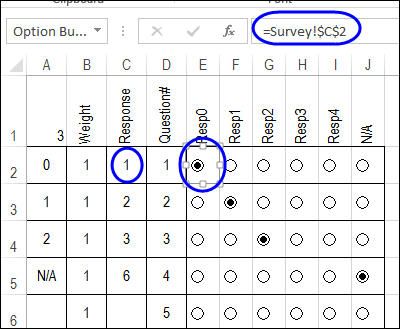
For easier data entry, you can add Option Buttons on a worksheet. Instead of having to type an answer to a question, just click on one of the buttons, to make a choice. Here’s how to calculate survey scores with Excel Option Buttons.
Continue reading “Calculate Survey Scores with Excel Option Buttons”
Click a Check Box to Run a Macro
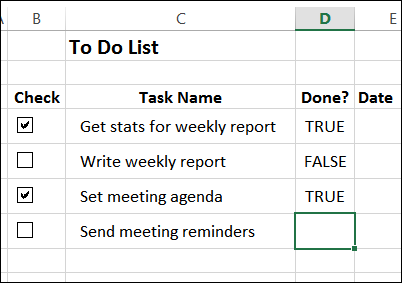
In the last post, we set up a To Do list with check boxes. Each check box is linked to a cell that’s 2 columns to the right, and we used a macro to set that up quickly. Now we’ll add code so we can click a check box to run a macro.